Gaming App AutoPay in India: UPI Mandate and Subscription Cancellation Checklist
A recurring gaming-app charge in India can come from more than one place. It may be a UPI AutoPay mandate, a Google Play subscription, an Apple App Store subscription, an in-app wallet setting, or a normal one-time payment that has been misunderstood as recurring. The safest first step is not to uninstall the app or delete screenshots. First identify the billing channel, save proof, and cancel in the same channel that created the charge.
This checklist is for Indian players who want a practical way to check gaming-app AutoPay or subscription charges. It is not legal, financial, or refund advice, and India Game Radar does not process deposits, withdrawals, support tickets, app accounts, or mandate cancellations for users.
Quick Decision Checklist
- If the debit says UPI, mandate, AutoPay, or e-mandate, check the UPI app or bank app that approved it.
- If the receipt came from Google Play, cancel it from the Google account that bought the subscription.
- If the receipt came from Apple, cancel it from Apple account subscription settings or Apple Support.
- If the gaming app balance changed but the bank debit is unclear, save the transaction ID and read our UPI payment safety checklist before raising a dispute.

Check UPI AutoPay Mandates First
UPI AutoPay is designed for recurring e-mandates through UPI apps. The official BHIM UPI AutoPay page describes recurring mandate use cases such as bills, EMIs, insurance, and subscription-style payments. A gaming app, fantasy platform, or related entertainment service may not always label the payment clearly inside the app, so the UPI app or bank app can be more reliable than the game screen.
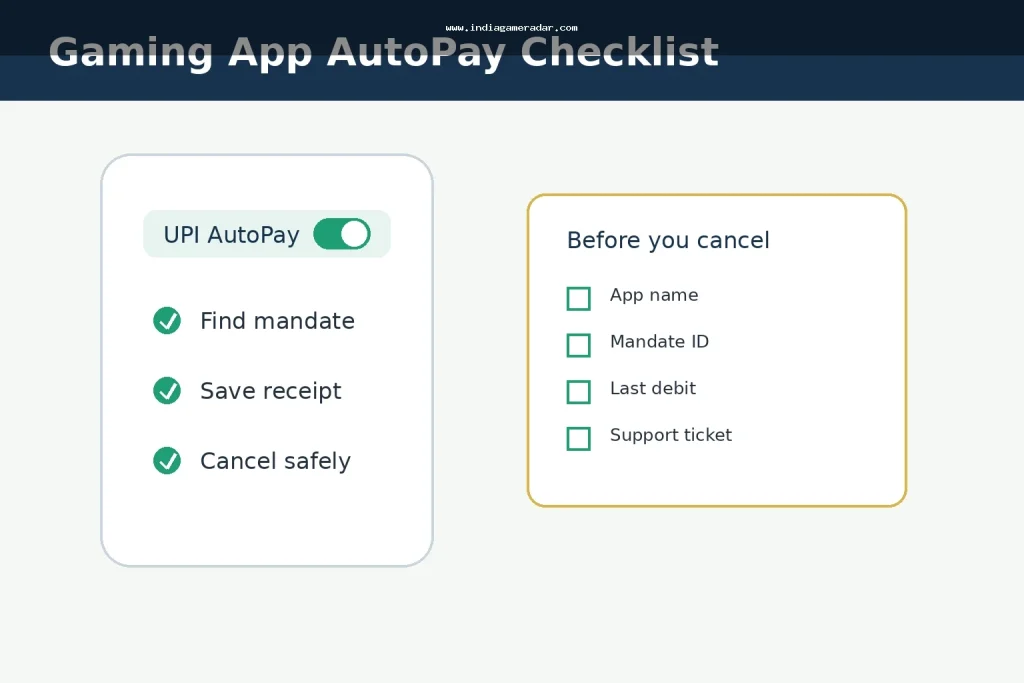
Open the UPI app that approved the payment and look for sections named AutoPay, Mandates, Recurring Payments, UPI Automatic Payments, or Subscriptions. Check the merchant name, frequency, maximum amount, next debit date, and the bank account linked to the mandate. If you do not recognize the merchant, take screenshots before making changes.
Cancel or pause only after you have saved the mandate details. Some apps may still show a subscription as active until their own system updates. A UPI cancellation also may not solve a separate Google Play or Apple subscription, so do not stop after checking only one channel.
Check Google Play or Apple Billing
Many Android users buy gaming subscriptions or passes through Google Play. Google says Play subscriptions continue by billing cycle unless the user unsubscribes, so the relevant place to check is the Google account that made the purchase. Use the official Google Play cancellation guidance if the charge appears in Play billing or your receipt email.
On iPhone or iPad, a gaming subscription bought through the App Store usually belongs to the Apple account that purchased it. Apple Support India explains how to cancel from account subscription settings. Use the official Apple subscription cancellation guidance when the receipt or bank statement points to Apple billing.
Do not assume uninstalling a game cancels billing. Removing the app may only remove the local app from your phone. The billing mandate or store subscription can remain active until cancelled in the correct UPI, Google, Apple, bank, or app account channel.
Save Proof Before You Cancel
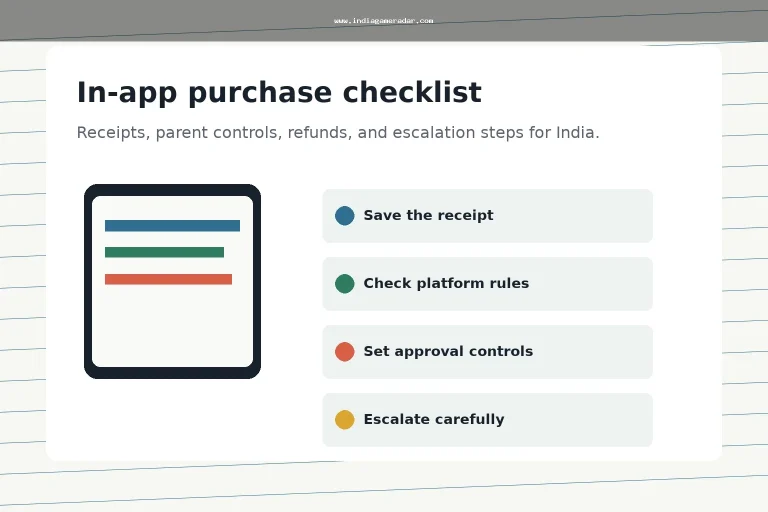
Before pressing cancel, save the evidence you may need later. Capture the subscription screen, mandate ID if shown, transaction reference, bank SMS, app receipt, app support ticket, and the date and time you cancelled. This helps if a debit continues, a refund request is rejected, or support says the cancellation was not received.

- Save the active subscription or mandate screen before cancellation.
- Save the cancellation confirmation screen or email.
- Keep the bank reference number and app receipt for each disputed debit.
- Record the support ticket number if you contacted the gaming app or store.
When To Raise a Refund or Complaint
Cancellation and refund are different actions. Cancelling can stop future billing, but it does not automatically reverse past charges. If money was deducted after a confirmed cancellation, compare the debit date with the subscription terms, renewal date, and cancellation timestamp. For store purchases, start with the store refund route; our gaming app refund checklist explains the receipt and escalation documents to keep.
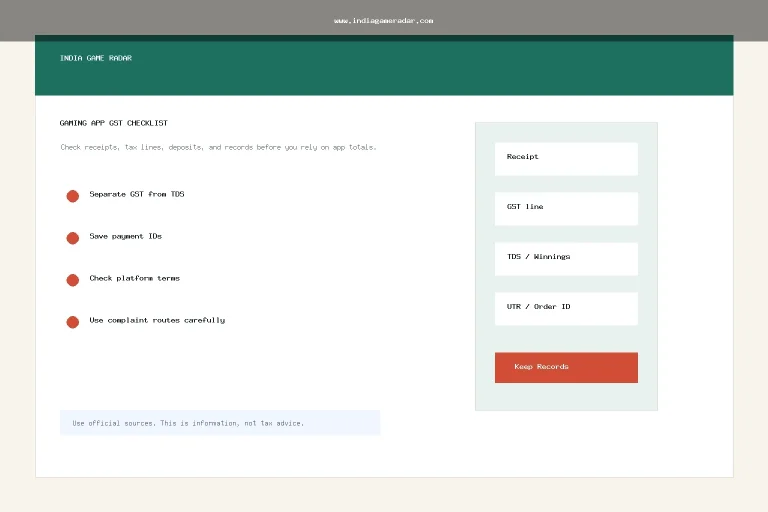
If the issue is a failed UPI payment, missing gaming-app credit, or delayed withdrawal, treat it as a payment evidence problem rather than an AutoPay problem. Keep the UPI reference number, bank SMS, app wallet screenshot, and support replies. For stuck payouts, use the separate withdrawal delay checklist.
If the merchant or billing provider does not respond, a consumer grievance route may be relevant. Use government complaint channels cautiously and only with accurate proof. A complaint should describe the charge, cancellation attempt, support ticket, and what resolution you requested. Avoid exaggerating the issue or claiming fraud unless you have evidence.
Red Flags To Watch
- The app asks you to cancel through support chat, but the actual payment is a UPI or app-store subscription.
- The merchant name on the bank statement does not match the game name you remember.
- The app promises a refund only if you share OTP, UPI PIN, card PIN, or remote-screen access.
- A support account contacts you outside the official app or store channel.
For suspected impersonation or fake support accounts, pause before replying. Never share OTPs, UPI PINs, card PINs, or remote access to cancel a mandate.
FAQ
Usually no. Uninstalling removes the app from your phone, but a UPI mandate or app-store subscription may remain active until cancelled in the billing channel that created it.
Check the wording on the bank SMS or receipt. If it mentions UPI, mandate, or AutoPay, check your UPI or bank app. If it mentions Google Play or Apple, check that store account.
No. Cancellation may stop future billing, but refund eligibility depends on the billing channel, timing, terms, and proof. Keep receipts and cancellation confirmation before escalating.
No. India Game Radar is an independent information site. It does not operate gaming apps, process payments, manage accounts, or cancel mandates for users.
Written by
Rohan Iyer
Brand Research Editor
Rohan Iyer researches online BC brand profiles, app availability, public terms, customer support notes, and market updates for India Game Radar. His work prioritises public-source checks and visible disclosure of uncertainty.
- Expertise
- Brand profiles, betting app research, public terms, support notes, market updates, and affiliate disclosure context.
- Review scope
- Reviews brand profiles, public app information, market updates, affiliate disclosures, and source-based corrections.