
App Facts
- App
- UNO Mobile App Guide India: Quick Play, 2v2, Room Mode, and Install Checks
- Rating
- Not rated
- Type
- Mobile Card Party Game
- Downloads
- Use the official UNO Mobile site, Google Play India, or Apple App Store India only; avoid APK mirrors, mod menus, free-coin generators, and account sellers.
Quick verdict: UNO Mobile is a good fit for Indian players who want a familiar card game in short online sessions, especially if they will use Quick Play, 2v2 with a friend, or private Room Mode instead of treating every match like a coin chase. The best start path is simple: use the official UNO Mobile site or the India app-store listings, learn the mode differences, and link your account before switching phones.
What UNO Mobile Is
UNO Mobile is Mattel163’s official mobile version of the classic UNO card game. It keeps the familiar last-card race, colour and number matching, action cards, and the need to call UNO before someone catches you near the end of a hand. The mobile version adds online matchmaking, friend play, events, achievements, clubs, gifts, and limited-time reward tracks, so it feels more like a live service casual game than a plain offline card table.
UNO Mobile is not just an install-safety topic. Players usually want to know which mode to open first, whether 2v2 is worth using, how Room Mode differs from public matchmaking, and whether the coin and event structure will suit their play style. That is where the official UNO Mobile modes support page is useful: it confirms Quick Play, 2v2, Go Wild, Room Mode, achievements, friends, and daily tasks as core parts of the app.
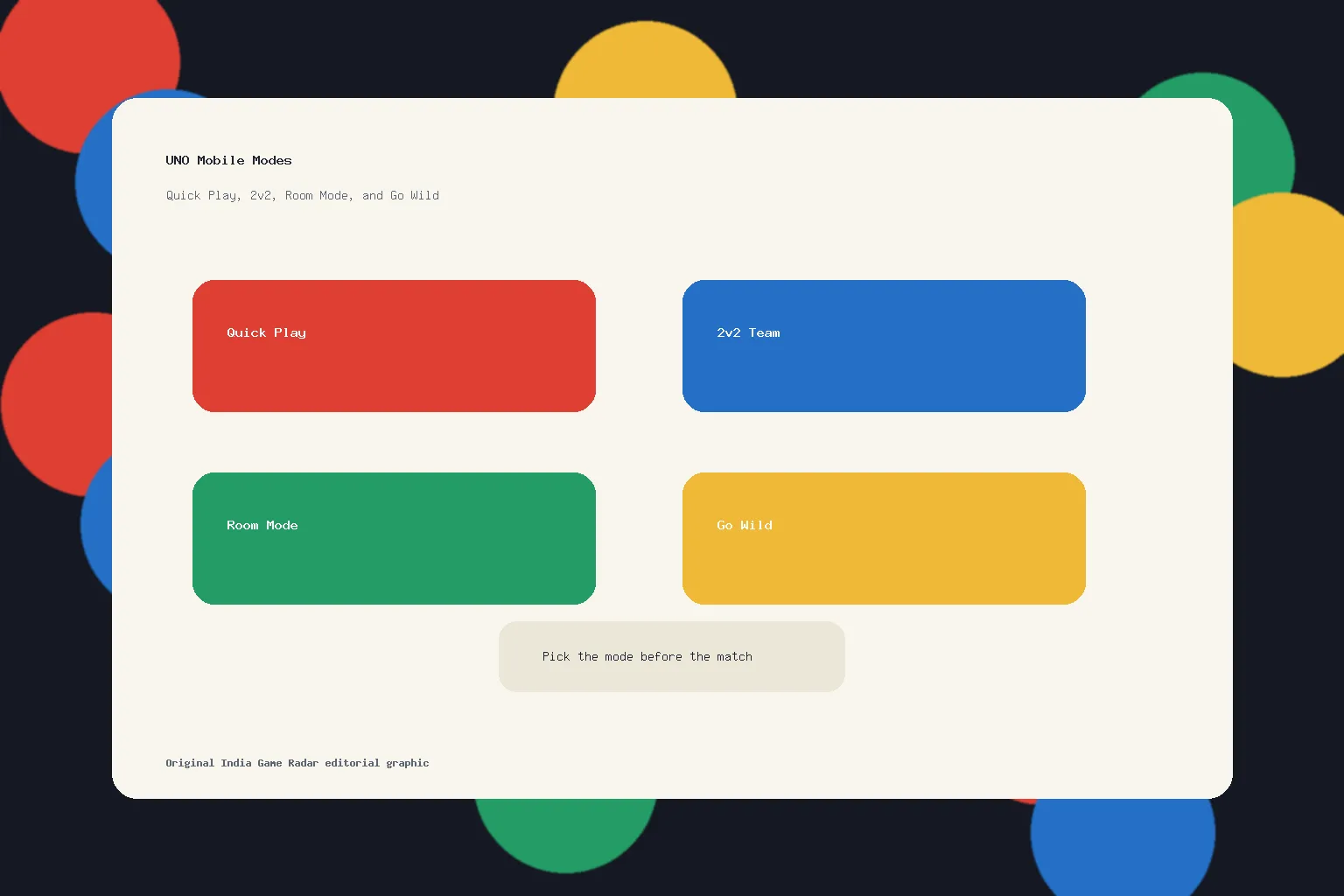
How The Main Modes Differ
Quick Play is the cleanest starting point. It uses classic UNO rules online and is the right first stop if you mainly want to understand timing, action-card pressure, colour changes, and the pace of public matches. New players should spend time here before jumping into higher-pressure reward modes.
2v2 Mode changes the feel of the game because you partner with another player. It rewards communication and card-count awareness more than solo Quick Play. If you and a friend want a casual game that still has teamwork, this is the mode to test. It can also feel more frustrating with random teammates, so do not judge the whole app from one messy 2v2 session.
Room Mode is the better choice when you want a four-player table with house rules. For Indian families, hostel groups, office breaks, or gaming friends, Room Mode is the closest match to “let us play together” intent. It is also the mode to choose when you care more about a known group than leaderboards.
Go Wild is not the quiet classic version. Official support describes it as more action-card heavy with higher coin multipliers. That can be entertaining if you like chaos, but it is also the mode where casual players should slow down and understand the stakes before entering. Treat coins and multipliers as in-game mechanics, not as something to chase like income.
Progression, Events, And Daily Play
UNO Mobile has more progression than a physical card deck. The official mode page lists achievements across growth, collection, social, and gameplay areas. It also mentions friends, free coin sending, daily tasks, and login gifts. Store listings add tournaments, events, clubs, leaderboards, and rotating rewards. This matters because the app can work in two different ways: as a quick card-game break, or as a daily live-service loop.
If you only want classic UNO, keep your sessions short and ignore most prompts until you understand the economy. If you enjoy collecting cosmetics, event medals, emojis, or limited scenes, check the current event window in the app and on the official listing before investing time. The app can be fun without purchases, but it does contain ads and in-app purchases, and the Google Play listing marks random-item purchases. That is a reason to set expectations, not a reason to turn this whole guide into a payment-safety article.
For nearby casual-game choices, compare the pace with our Royal Match India guide if you prefer solo puzzle levels, or the 8 Ball Pool India guide if you want short competitive matches with skill timing instead of card draws.
Official Install And Account Start Path
Start from the official UNO Mobile site, Google Play India, or the Apple App Store India listing. Avoid APK mirrors, mod menus, free-coin generators, and account sellers. Unofficial installs can also break updates or account recovery, which is a poor tradeoff for a game that is already available through normal stores.
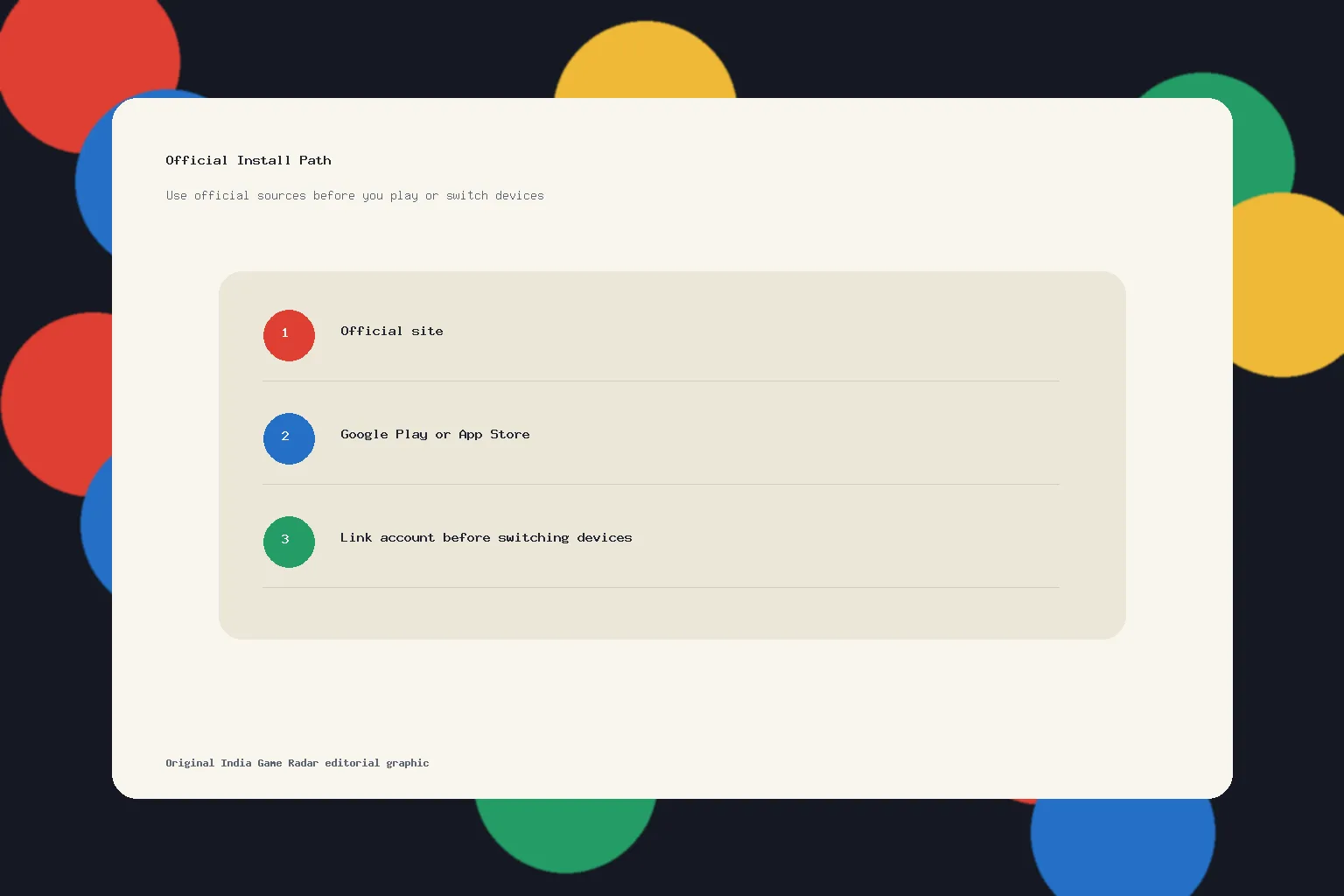
If you move between Android and iPhone, account linking deserves attention before you change devices. The official account support page says cross-device use works after linking the UNO account through supported account methods in the in-game Account Center. It also lists evidence that may help in a lost-account case, such as a player ID, receipts, username, or screenshots. That is practical housekeeping for a live mobile game, especially if a child or family member plays on a shared phone.
Players on limited mobile data should also check download and update timing. Live events, ads, and app updates can still interrupt play if you start a match with a weak connection or a nearly full phone. Our mobile game data usage guide is a better companion for network settings than repeating those device-level steps here.
Who Should Play UNO Mobile
UNO Mobile fits players who already like simple card rules, quick social matches, and family-friendly competition. It is especially good when you want a game that works in a few minutes, supports friend play, and does not ask for deep mechanical training. Room Mode and 2v2 give it a better social hook than many match-and-wait mobile games.
It may not fit you if you dislike ads, live-service rewards, coin pressure, or event prompts. It also may not satisfy players who want a purely skill-based ladder, because UNO always has card draw uncertainty. That uncertainty is part of the appeal for casual groups, but it can irritate competitive players who expect every result to feel controllable.
India Player Decision Checklist
- Use Quick Play first if you are new or returning after a long break from UNO.
- Use 2v2 when you have a reliable partner, not when you only want a calm solo match.
- Use Room Mode for friends and family tables with house rules.
- Be cautious with Go Wild until you understand coins, multipliers, and match pace.
- Install only from official sources and link your account before switching devices.
- Treat purchases, event rewards, and random items as optional entertainment, not a requirement to enjoy basic play.
Yes. The official UNO Mobile site links to app-store download paths, and the Google Play India and Apple App Store India listings were reachable during this review. Use those official paths instead of APK mirrors.
Start with Quick Play because it uses classic UNO rules online. Move to 2v2 if you want team play, Room Mode for a known four-player group, and Go Wild only after you understand the coin and action-card pace.
Official account support says cross-device use is supported after linking the account through supported methods in the in-game Account Center. Link the account before changing phones.
UNO Mobile is a free-to-play card game with ads and in-app purchases. This guide treats coins, multipliers, events, and random items as in-game entertainment mechanics, not real-money earning or betting opportunities.
Important Notice
India Game Radar is an independent information website for adult readers. We do not operate betting or casino services, accept deposits, process withdrawals, manage player accounts, or provide access to real-money gaming. Always check official terms, local laws, and age requirements before using any third-party website.