Google Play Games on PC భారతదేశం సెటప్ గైడ్: అవసరాలు, సమకాలీకరణ, మరియు ఆట మద్దతు
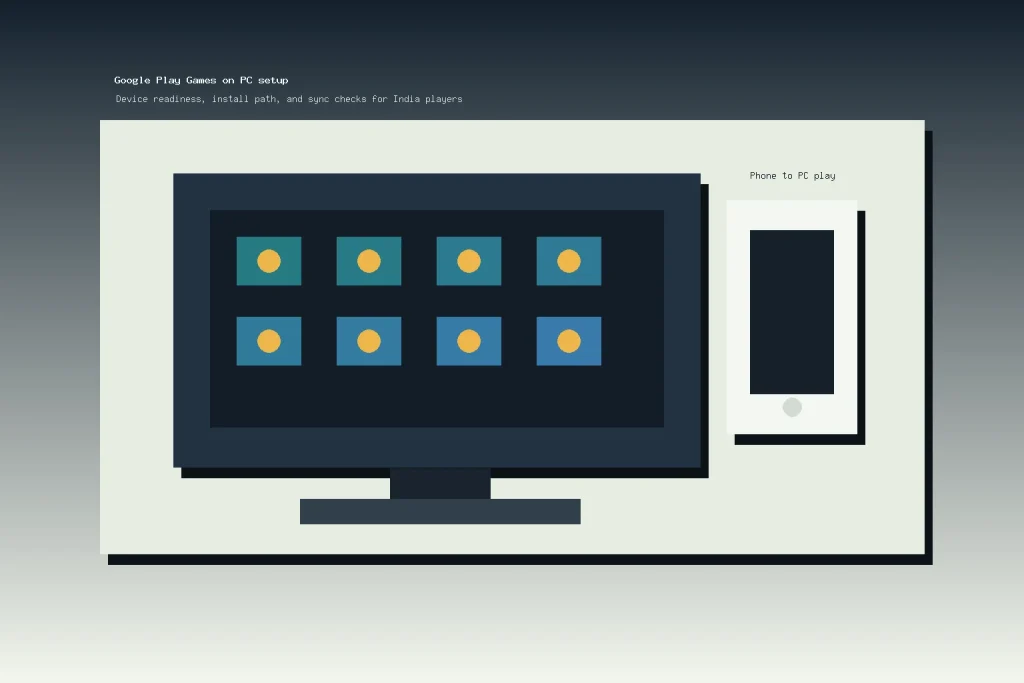
Google Play Games on PC is worth checking if you play Android games on your phone but want a larger Windows screen, keyboard and mouse input, and progress that can move between devices. For India players, the first decision is not whether the installer exists. Google lists India as a supported country, but the useful question is whether your account, PC, and preferred games are actually ready.
This guide explains the official setup path, the minimum requirements, how sync works, and what to verify before you rely on a PC install for daily play. It is based on official Google documentation and is written as an independent player guide, not as Google support or a guarantee that every mobile game will run well.
తక్షణ తీర్పు
Use Google Play Games on PC if your Windows machine meets the official requirements, you already use a personal Google Account for Android games, and your main games are listed as compatible inside the PC catalog. Skip or delay it if your PC uses older storage, virtualization is disabled or managed by someone else, or your favorite game does not show PC support.
- ఉత్తమ సరిపోలిక: Android players who want a bigger screen for compatible games without moving to an unofficial emulator.
- Main limitation: game availability, progress sync, purchases, and performance vary by game and device.
- India relevance: India appears in Google’s supported country list, but your Play country and account eligibility still matter.
What Google Play Games on PC Does
Google describes the service as a way to play selected Android games across mobile and PC. The official Google Play Games on PC page focuses on a shared game library, progress sync for supported games, Play Points, and PC access for compatible titles. That makes it different from downloading a random APK or using an unofficial emulator: the player starts from Google’s own PC catalog and signs in with a Google Account.
The practical benefit is simple. A phone game that works well in short sessions may be easier to play on a laptop or desktop when you want a larger screen, stable desk controls, or longer sessions at home. The practical risk is also simple: not every Android game is in the PC catalog, and not every feature from the phone version should be assumed to transfer perfectly.
India Availability and Account Fit
Google’s requirements page lists India under country or region availability for Google Play Games on PC. That is a useful green light for Indian players, but it is not the same as saying every Google account, device, or game is eligible. The same official help page says players need a personal Google Account and a Play country set to a supported country or region.
Before you install, confirm three account points: you can sign in to the same Google Account on mobile and PC, your Play country is correct, and the game you want to play appears in the PC catalog. If a family member or office administrator manages the Windows device, also check whether you have permission to install software and enable virtualization settings.
PC Requirements to Check First
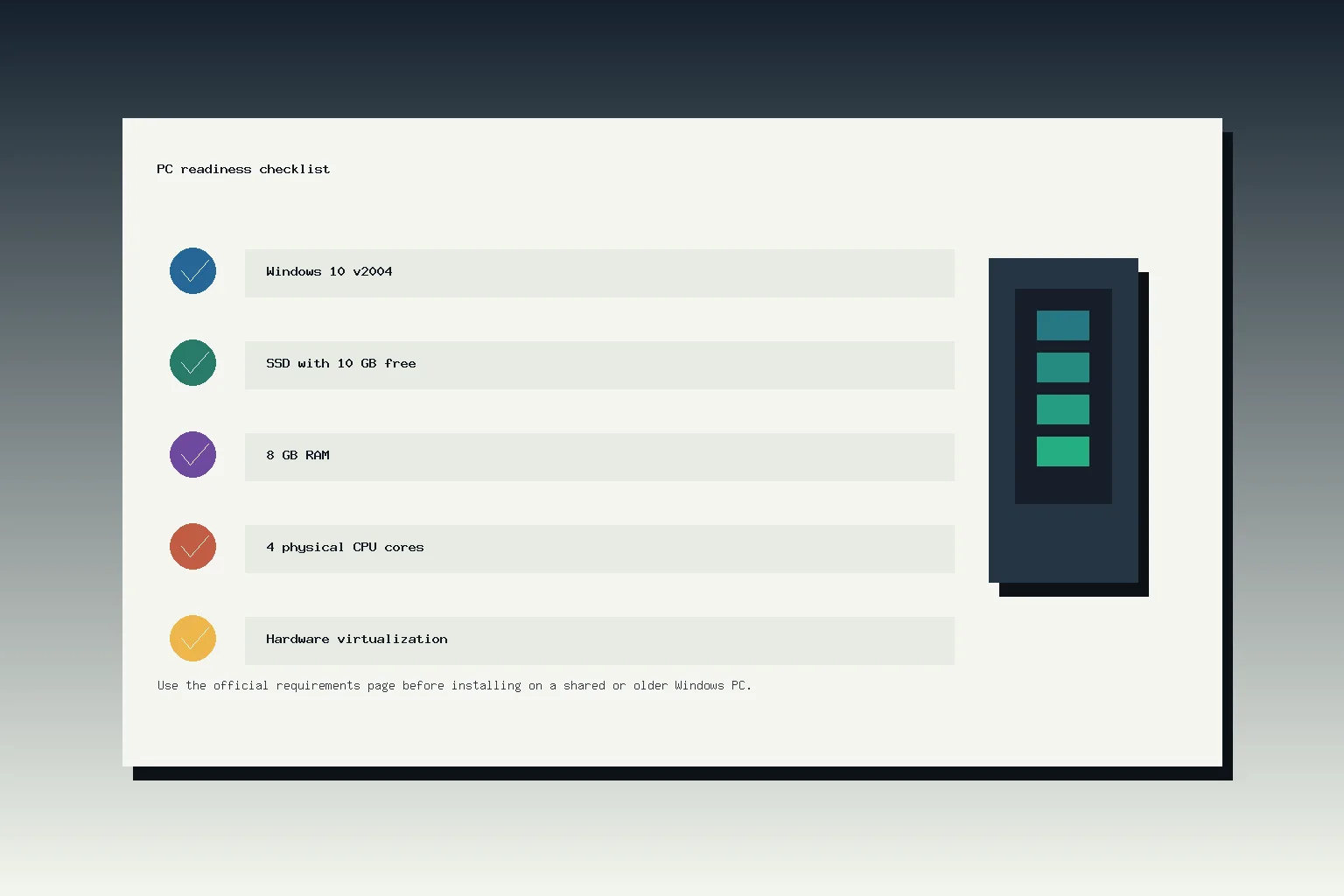
అధికారిక Google Play Games on PC requirements page is the source to use before downloading the installer. Google’s listed minimums include Windows 10 version 2004, an SSD with 10 GB of available storage, 8 GB of RAM, Intel UHD Graphics 630 or comparable graphics, 4 physical CPU cores, a Windows admin account, and hardware virtualization turned on.
| తనిఖీ | Why it matters |
|---|---|
| Windows 10 v2004 or newer | PC క్లయింట్ మద్దతు పొందిన Windows సంస్కరణల కోసం నిర్మించబడింది, పాత Windows ఇన్స్టాల్ల కోసం కాదు. |
| 10 GB ఉచిత SSD | Google SSD నిల్వను అవసరంగా జాబితా చేస్తుంది, కాబట్టి పాత హార్డ్ డ్రైవ్ ఒక బలహీనమైన ప్రారంభ బిందువు. |
| 8 GB RAM మరియు 4 శారీరక CPU కోర్లు | ఇవి కనిష్టాలు, ప్రతి ఆటకు సాఫీగా ఆడే హామీ కాదు. |
| Intel UHD 630 లేదా సమానమైన గ్రాఫిక్స్ | గ్రాఫిక్స్ సామర్థ్యం ఆటలు బాగా నడుస్తున్నాయా మరియు ఏ హెచ్చరికలు కనిపిస్తున్నాయా అనే విషయాన్ని ప్రభావితం చేస్తుంది. |
| హార్డ్వేర్ వర్చువలైజేషన్ | ఇన్స్టాలర్ లేదా యాప్ వర్చువలైజేషన్ మరియు Windows హైపర్విజర్ ప్లాట్ఫారమ్ సెట్టింగ్లను అవసరంగా కోరవచ్చు. |
మీ యంత్రం కనిష్టానికి దగ్గరగా ఉంటే, ఇన్స్టాల్ను మిగిలినదిగా కాకుండా పరీక్షగా పరిగణించండి. Google గేమ్లు పనితీరు హెచ్చరికలను చూపించవచ్చు మరియు కాటలాగ్ ఫిల్టరింగ్ మీ PCలో బాగా నడవని గేమ్లను దాచడంలో సహాయపడవచ్చు అని గమనిస్తుంది. బడ్జెట్ ల్యాప్టాప్లను ఉపయోగిస్తున్న అనేక భారతీయ ఆటగాళ్లకు, SSD మరియు వర్చువలైజేషన్ తనిఖీలు సెట్అప్ సాఫీగా జరుగుతుందా లేదా అనే విషయాన్ని నిర్ణయించడానికి అత్యంత అవకాశాలు ఉన్న రెండు పాయింట్లు.
సురక్షిత సెటప్ మార్గం
అధికారిక ఇన్స్టాల్ మరియు సెటప్ పేజీ play.google.com/googleplaygames నుండి ప్రారంభమవుతుంది, తరువాత వినియోగదారులను ఇన్స్టాలర్ను డౌన్లోడ్ చేసి నడపమని అడుగుతుంది. సెటప్ సమయంలో, Windows వర్చువలైజేషన్ సెట్టింగ్లను ఆన్ చేయాల్సి ఉండవచ్చు అని Google చెబుతుంది. Windows హైపర్విజర్ ప్లాట్ఫారమ్ ప్రస్తుతం ఆఫ్లో ఉంటే, ఇన్స్టాలర్ మీకు దీన్ని ఎనేబుల్ చేయమని మరియు పునఃప్రారంభించమని అడగవచ్చు.
యాదృచ్ఛిక APK మిర్రర్లు, ఫైల్-షేరింగ్ పేజీలు లేదా లుకలైక్ డొమైన్ల నుండి “Google Play Games PC” ఇన్స్టాలర్ను డౌన్లోడ్ చేయవద్దు. సరళమైన ఆటగాడు నియమం Google యొక్క స్వంత పేజీ నుండి ప్రారంభించడం, అవసరాలను తనిఖీ చేయడం మరియు ఇన్స్టాలర్ మీ PCలో అవసరం లేదు అని చెబితే ఆపడం.
సింక్, కొనుగోళ్లు మరియు ఆట మద్దతు
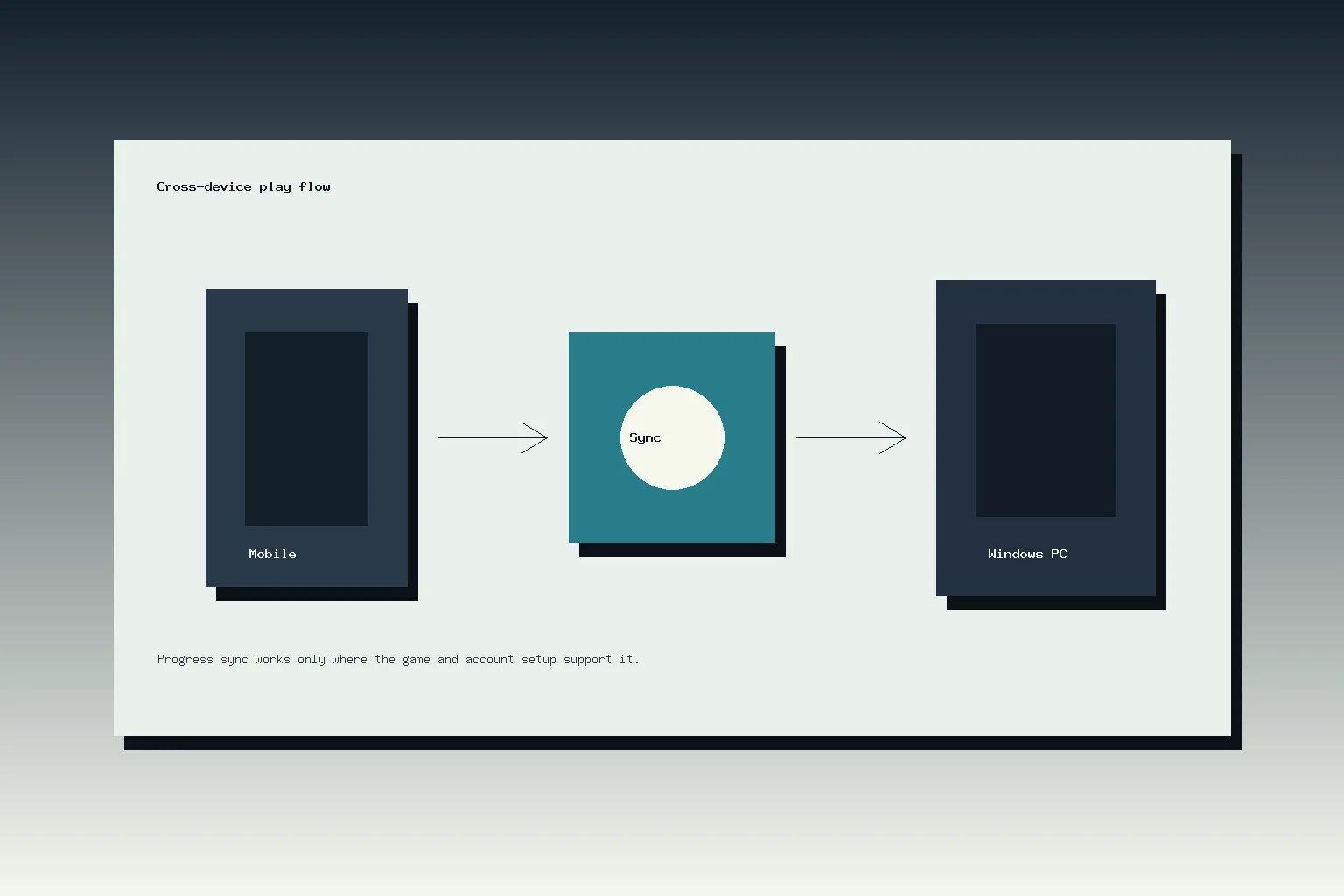
క్రాస్-డివైస్ ప్లే PC సంస్కరణను పరిగణించడానికి ప్రధాన కారణం. Google ఆటగాళ్లు మొబైల్ మరియు PCలో ఒకే ఖాతాతో సైన్ ఇన్ చేయాలని చెబుతుంది, మరియు ఉత్పత్తి పేజీ అనుకూలమైన పరికరాలపై ఎంపిక చేసిన ఆటల కోసం లైబ్రరీ మరియు పురోగతి సింక్ అందుబాటులో ఉన్నాయని చెబుతుంది. ఎంపిక చేసిన ఆటల హెచ్చరిక ముఖ్యమైనది. ఒక ఆట Androidలో అందుబాటులో ఉండవచ్చు కానీ PCలో ఉపయోగకరంగా ఉండకపోవచ్చు, మరియు ఒక చెల్లించిన శీర్షిక లేదా ఆటలో కొనుగోలు తనకు ప్రత్యేక నియమాలు ఉండవచ్చు.
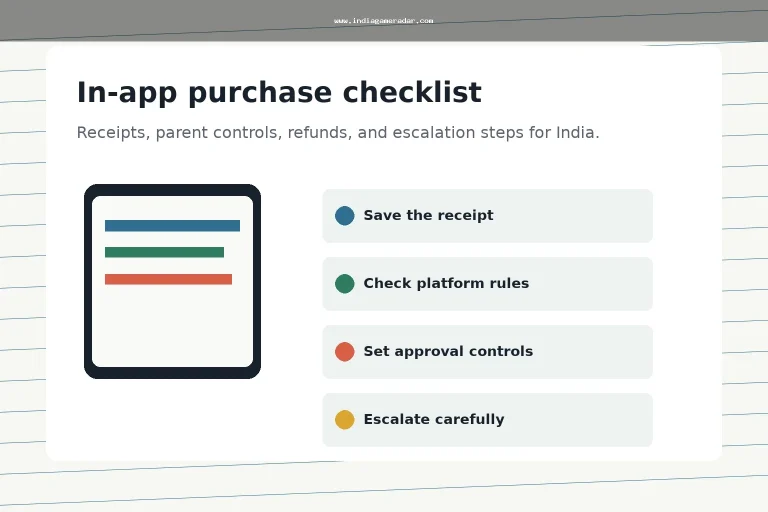
మీరు ఫోన్ మరియు PCలో ఉపయోగించడానికి ప్లాన్ చేస్తున్న ఆటలో డబ్బు ఖర్చు చేయడానికి ముందు, దుకాణ జాబితా మరియు ఆటలో చెల్లింపు స్క్రీన్లను జాగ్రత్తగా చదవండి. మా గేమింగ్ యాప్ ఇన్-ఆప్ కొనుగోలు చెక్లిస్ట్ సేవ్ చేయడానికి రసీదు మరియు రిఫండ్ సాక్ష్యాన్ని వివరించుతుంది, enquanto o ఆటోపే మరియు సబ్స్క్రిప్షన్ రద్దు గైడ్ పునరావృత బిల్లింగ్ను ఉపయోగించే ఆట లేదా సేవ కోసం ఇది ఉపయోగకరంగా ఉంటుంది. గోప్యతా లేబుల్స్ మరియు అనుమతుల కోసం, ఉపయోగించండి గేమింగ్ యాప్ డేటా భద్రత గైడ్ ఒక పంచాయితీ PCకి కొత్త ఆటను జోడించడానికి ముందు.
రోజువారీ ఉపయోగానికి ఆటగాడు తనిఖీలు
ఇన్స్టాల్ చేసిన తర్వాత, ఒకేసారి ఒక ఆటను పరీక్షించండి. మొబైల్లో మొదట ఆటను తెరవండి, మీ ఖాతా మరియు పురోగతిని నిర్ధారించండి, తరువాత అదే ఆటను PCలో తెరవండి. సేవ్లు, విజయాలు, కరెన్సీ, స్నేహితులు, నియంత్రణలు మరియు ఆటలో కొనుగోళ్లు ఆశించినట్లుగా కనిపిస్తున్నాయా అని తనిఖీ చేయండి. ఏదైనా భిన్నంగా కనిపిస్తే, PC క్లయింట్ నుండి వస్తువులను కొనుగోలు చేయడం లేదా ఖాతా సెట్టింగులను మార్చడం ముందు ఆపండి.
నియంత్రణ నాణ్యతను కూడా గమనించండి. కీబోర్డ్ మరియు మౌస్ ఇన్పుట్ కొన్ని ఆటల్లో ప్రయోజనంగా ఉండవచ్చు, కానీ మొబైల్-మొదటి ఆటలు వారి PC నియంత్రణ ప్రొఫైల్ పరిమితమైనప్పుడు ఇంకా అసౌకర్యంగా అనిపించవచ్చు. ఒక ఆట టచ్ జెస్టర్స్, టిల్ట్ నియంత్రణలు లేదా వేగంగా చాట్ చర్యలపై ఆధారపడి ఉంటే, నిజంగా ఆడడానికి ముందు ర్యాంక్ చేయని లేదా తక్కువ ప్రమాదం ఉన్న మోడ్లో కొన్ని నిమిషాలు గడపండి.
ఎవరు వేచి ఉండాలి
మీ PC కనీస అవసరాలను తీర్చకపోతే, మీరు వర్చువలైజేషన్ను ప్రారంభించలేకపోతే, మీరు ఎవరో ఒకరితో కంప్యూటర్ను పంచుకుంటే, లేదా మీరు ఆసక్తి ఉన్న ఆట PC కాటలాగ్లో అందుబాటులో లేకపోతే మీరు వేచి ఉండాలి. మీరు కేవలం యాప్-స్టోర్ నియమాలను, చెల్లింపు పరిమితులను, వయస్సు నియంత్రణలను లేదా ఖాతా పరిమితులను దాటించడానికి PCని ఉపయోగిస్తున్నట్లయితే, మీరు కూడా వేచి ఉండాలి. ఇవి ఖాతా మరియు ప్లాట్ఫారమ్ సమస్యలు, సెటప్ షార్ట్కట్లు కాదు.
ఎక్కువ మంది అర్హత కలిగిన ఆటగాళ్లకు, ఉత్తమ దృష్టికోణం మితమైనది: అధికారిక మూలం నుండి ఇన్స్టాల్ చేయండి, ఒక అనుకూల ఆటను పరీక్షించండి, సమకాలీకరణను నిర్ధారించండి, తరువాత PC ఆడటం మీ రోజువారీ జీవితాన్ని నిజంగా మెరుగుపరుస్తుందా అని నిర్ణయించండి. ఆట, నియంత్రణలు మరియు ఖాతా సెటప్ మీ ఆడే విధానాన్ని మద్దతు ఇస్తే మాత్రమే పెద్ద స్క్రీన్ ఉపయోగకరంగా ఉంటుంది.
అవును. గూగుల్ యొక్క అధికారిక అవసరాల పేజీ భారతదేశాన్ని దేశం లేదా ప్రాంతం అందుబాటులో ఉన్న జాబితాలో జాబితా చేస్తుంది, కానీ ఖాతా అర్హత, ప్లే దేశం, పరికరం అవసరాలు మరియు వ్యక్తిగత ఆట మద్దతు ఇంకా ముఖ్యమైనవి.
గూగుల్ Windows 10 v2004, 10 GB అందుబాటులో నిల్వ, 8 GB RAM, Intel UHD Graphics 630 లేదా సమానమైన గ్రాఫిక్స్, 4 భౌతిక CPU కోర్లు, Windows అడ్మిన్ ఖాతా మరియు హార్డ్వేర్ వర్చువలైజేషన్ ఆన్ చేయబడినవి జాబితా చేస్తుంది.
లేదు. గూగుల్ అనుకూల పరికరాలపై ఎంపిక చేసిన ఆటల కోసం పురోగతి మరియు లైబ్రరీ సమకాలీకరణను వివరిస్తుంది. కొనుగోళ్ల, కరెన్సీ, ర్యాంక్ చేసిన ఆట లేదా దీర్ఘ సెషన్ల కోసం సమకాలీకరణపై ఆధారపడే ముందు PC కాటలాగ్ను తనిఖీ చేసి మీ ఆటను పరీక్షించండి.
కాదు. గూగుల్ యొక్క అధికారిక గూగుల్ ప్లే గేమ్స్ PC పేజీ లేదా గూగుల్ ప్లే సహాయం సెటప్ మార్గాన్ని ప్రారంభించండి. యాదృచ్ఛిక ఇన్స్టాలర్ మిర్రర్లు ఖాతా, మాల్వేర్ లేదా వెర్షన్ ప్రమాదాలను చేర్చవచ్చు, ఇవి విలువైనవి కాదు.
రాసినది
నిషా రావు
చెల్లింపులు మరియు భద్రత సంపాదకుడు
నిషా రావు చెల్లింపు గమనికలు, KYC మార్గదర్శకాలు, ఖాతా-సురక్షిత అంశాలు, యాప్ ఉపయోగకరత, మరియు బాధ్యతాయుతమైన గేమింగ్ సందర్భాన్ని కవర్ చేస్తుంది. ఆమె పాఠకులకు గేమింగ్ను ఆదాయం లేదా ఆర్థిక సలహాగా పరిగణించకుండా ప్రజా సమాచారాన్ని అర్థం చేసుకోవడంలో సహాయపడటంపై దృష్టి పెడుతుంది.
- నిపుణత
- UPI మరియు వాలెట్ గమనికలు, KYC వివరణలు, యాప్ భద్రత తనిఖీలు, బాధ్యతాయుతమైన ఆట సాధనాలు, మరియు పాఠకుల సరిదిద్దు సమీక్ష.
- సమీక్ష పరిధి
- చెల్లింపు మార్గదర్శకాలు, KYC గమనికలు, భద్రత భాష, బాధ్యతాయుతమైన వినియోగ విభాగాలు, మరియు సరిదిద్దు సాక్ష్యాలను సమీక్షిస్తుంది.