App Facts
- App
- eFootball App Guide India: Dream Team, Events, Controls, and Install Checks
- Rating
- Not rated
- Type
- Mobile Football Game
- Downloads
- Use KONAMI's official site, Google Play India, or Apple App Store India only; avoid APK mirrors, coin generators, account sellers, and unofficial top-up pages.
eFootball is KONAMI’s mobile football game for players who want quick matches, online competition, and a long-term squad-building loop rather than a one-off arcade football session. This India guide was refreshed on 14 June 2026 because the older page was too focused on privacy and purchase checks. Those checks still matter, but the main question for a game guide is simpler: how does eFootball play, what should you do first, and is it worth installing on your phone?
India Game Radar is an independent information site. We do not run eFootball, sell coins, recover accounts, process payments, or provide official support. Use this page as a practical player guide, then confirm current store details on your own Android, iPhone, or iPad before installing.
Quick Verdict
- eFootball is best for players who like tactical football, online matches, squad building, player development, and regular event cycles.
- KONAMI’s official overview highlights tutorials, Smart Assist, Authentic Team play, Dream Team, objectives, and in-game assets.
- Dream Team is the main long-term mode: sign players and managers, register them in Game Plan, play Events or League matches, and keep improving the squad.
- Controller support exists, but touch controls and assist options matter more for most Indian mobile players.
- Install only from official app stores or KONAMI routes. Avoid APK mirrors, coin generators, account markets, and unofficial top-up pages.
What eFootball Is
eFootball is not just a penalty-kick app or a football trivia game. It is a mobile football game built around real-time matches, team setup, player movement, passing choices, defending decisions, and recurring events. New players can start with tutorials and lighter assist options, while regular players spend more time tuning formations, upgrading players, and deciding where to use rewards.
If you recently played our EA SPORTS FC Mobile guide, the broad appeal is similar: football on the phone with live-service updates. The difference is in the feel of the match engine, the Dream Team structure, KONAMI’s events, and how much patience you have for learning timing, defending, and squad balance.
Dream Team And Progression
The strongest reason to keep playing eFootball is Dream Team. KONAMI’s Dream Team guide describes a loop where you sign players and managers, register them through Game Plan, then use that squad in Dream Team matchups. The mode is not only about collecting famous names. It asks you to think about manager fit, player roles, training resources, position choices, and whether a new signing actually improves your team shape.
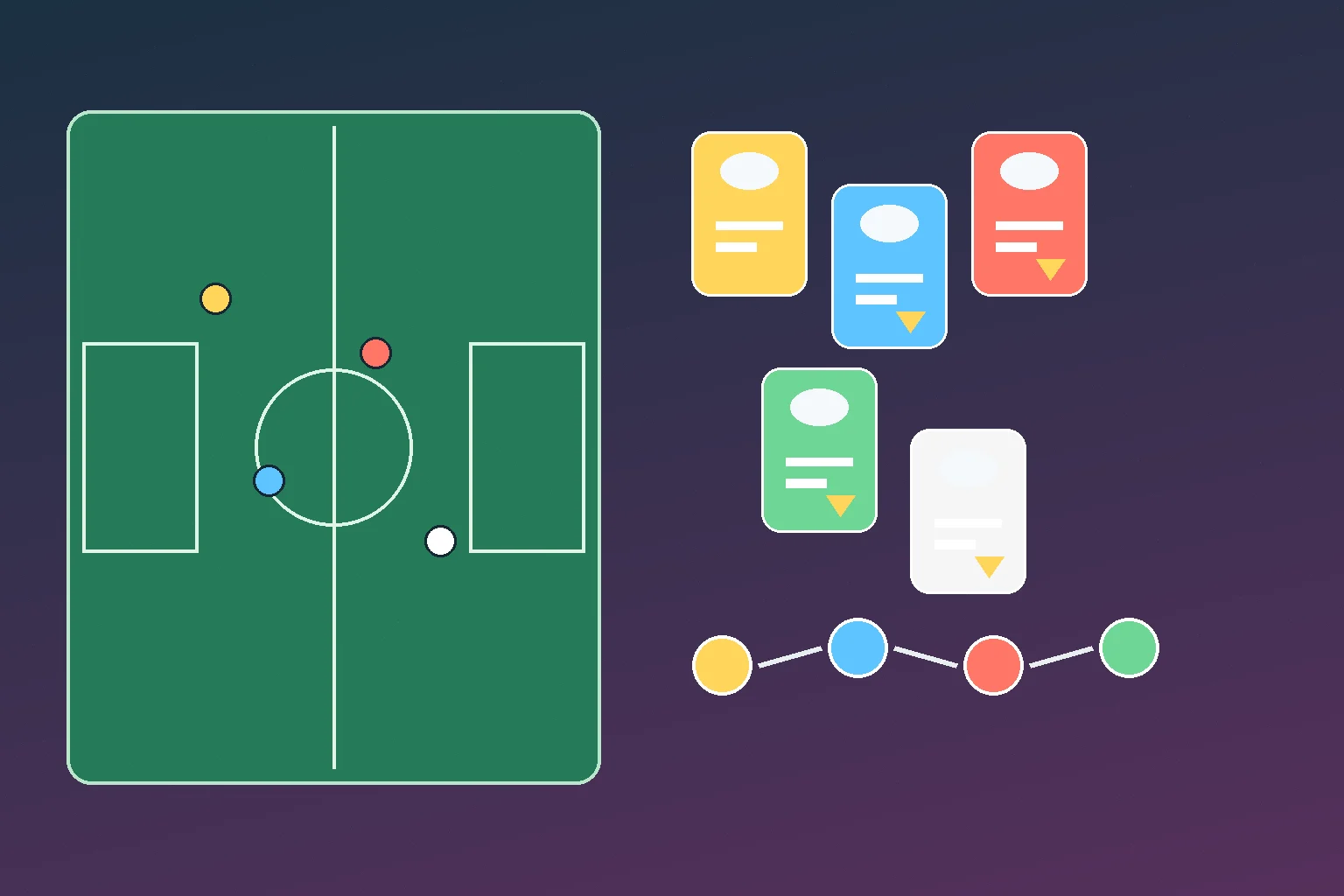
The useful early path is to finish tutorials, collect starter rewards, sign a few dependable players, and avoid spending scarce resources only because a card looks exciting. Once you have a basic squad, focus on Game Plan chemistry and player development. KONAMI lists level training, player progression, skill training, position training, and player fusion as parts of the development system, so it is better to upgrade deliberately than to chase every new card.
Modes, Events, And Match Choices
Dream Team offers several match paths. Events are useful when you want rewards tied to the current football season or a limited-time campaign. eFootball League is the ranked-style ladder where stronger squads and cleaner match decisions matter more. Quick Match is better for casual online PvP because it does not carry the same weight for your match record. Friend Match supports custom settings and co-op arrangements, including 1-vs-1 through 3-vs-3 cooperative play.
KONAMI’s 2026 version information also shows that the game keeps changing. Recent notes covered Master League Sprint, attacking and defending adjustments, shot/save balance, feint command changes, VS AI support features, Tour Rally, and Squad Challenge. Treat any mode advice as version-sensitive: check the live event screen before spending time or resources.
Controls And Phone Setup
Controls are where many players decide whether eFootball fits them. The official mobile controls manual lists touch-style commands, attacking and defending actions, set pieces, feints, and confirmed Bluetooth controller families such as DualSense, DUALSHOCK 4, and Xbox Wireless Controller. It also qualifies that wired or third-party controller behaviour can depend on the device and operating system.
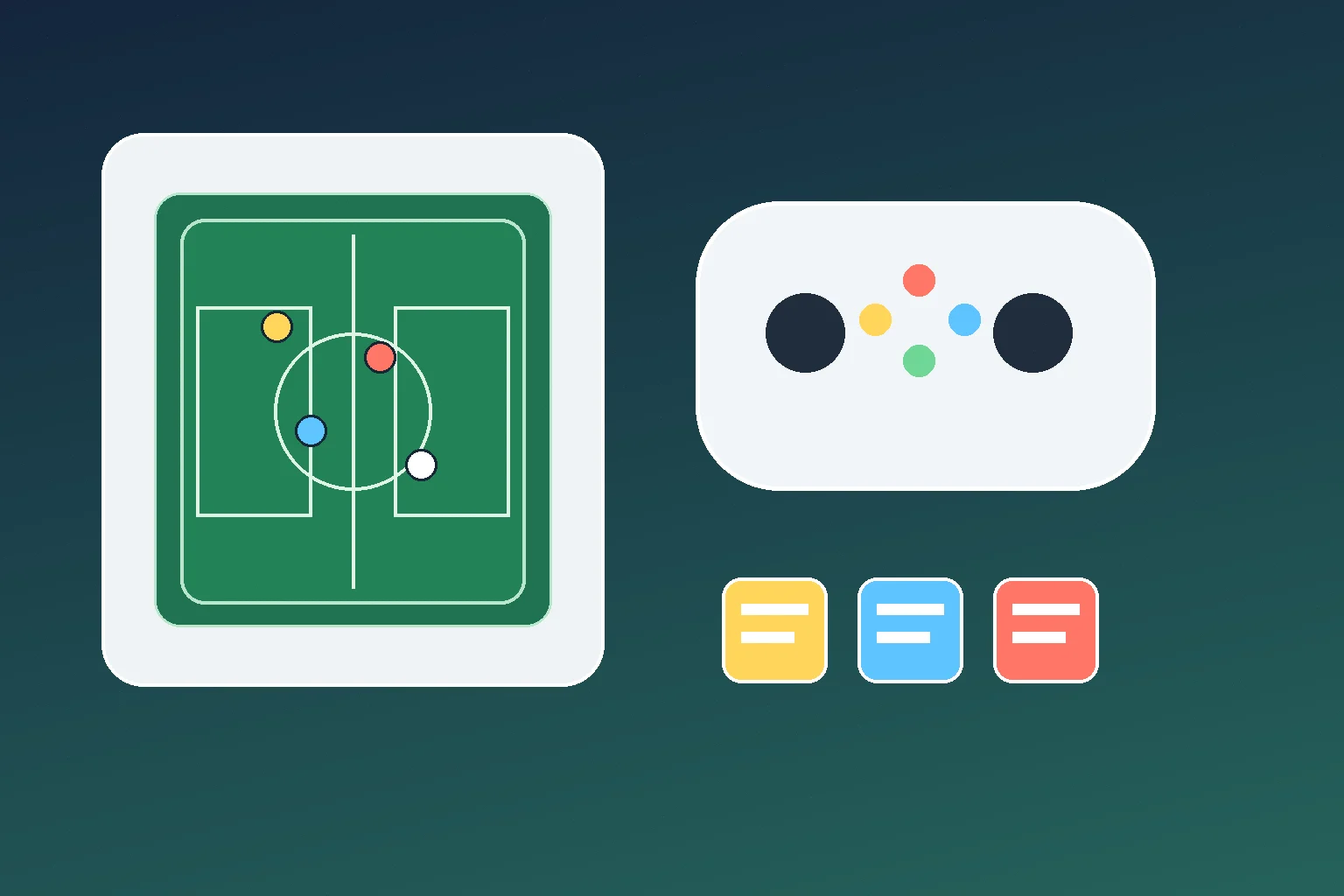
For most Indian mobile players, start with touch controls and Smart Assist before pairing a controller. Play a few VS AI matches, adjust camera and button comfort, then move to online matches. If lag or heat is the problem, use our mobile game performance settings guide before blaming the match engine. If you want a controller-first setup, compare Bluetooth pairing basics in our mobile controller setup guide.
Official Install And India Checks
Install eFootball from Google Play, the India App Store, or a route linked from KONAMI’s official site. During this review, public store listings identified KONAMI as the developer and showed free download with in-app purchases. The exact rating, app size, device compatibility, download count, and purchase labels can change, so check them on your own device on the day you install.
Purchases and account safety should support your decision, not dominate the guide. Before spending, enable device-level purchase controls if a child or shared phone can access the game. Keep receipts, do not buy accounts, and avoid pages promising free coins, points, or rare players in exchange for login details. If something goes wrong, use official KONAMI or store support routes, not social replies or private recovery services.
Who Should Play
eFootball is a good fit if you want a football game where squad planning and match execution both matter. It suits players who enjoy building a team over weeks, learning touch controls, trying events, and improving gradually. It is less ideal if you only want offline career depth, quick local multiplayer, or a game that never asks you to think about live-service rewards and purchases.
For parents, the main decision is not whether the game is “safe” in a generic sense. The better check is whether the child understands online play, purchase prompts, account security, and time limits. For competitive players, the bigger question is whether your device, connection, and control comfort are good enough for online matches without turning every session into frustration.
It can be, especially if you enjoy football matches, Dream Team squad building, online play, and recurring events. Check the current Google Play or App Store listing on your own device before installing because availability, size, rating, and purchase labels can change.
Finish the tutorials, collect starter rewards, sign a few useful players, register them in Game Plan, and play lower-pressure matches before spending scarce resources. Build around a balanced team rather than chasing every new card.
No. Start with touch controls and assist options, then consider a Bluetooth controller if your device supports it and you prefer physical inputs. KONAMI lists several confirmed controller families but still qualifies support by device and operating system.
Important Notice
India Game Radar is an independent information website for adult readers. We do not operate betting or casino services, accept deposits, process withdrawals, manage player accounts, or provide access to real-money gaming. Always check official terms, local laws, and age requirements before using any third-party website.