
App Facts
- App
- Minecraft App Guide India: Survival, Creative, Multiplayer, and Install Checks
- Rating
- Not rated
- Type
- Sandbox Adventure Game
- Downloads
- Use the official Minecraft site, Google Play India, or Apple App Store India only; avoid APK mirrors, modded clients, account sellers, free-coin pages, and unofficial downloads.
Minecraft is best understood as a sandbox adventure game, not a betting app, reward app, or generic safety checklist topic. The useful questions for an India player are practical: do you want Survival, Creative, or multiplayer, can your device handle the current app, where should you install it from, and when does Realms or a server actually matter?
This guide is based on public official sources checked on June 8, 2026, including Minecraft gameplay pages, the official Realms page, Google Play India, and the Apple App Store India listing. India Game Radar is independent; we do not run Minecraft, sell accounts, process payments, host servers, or provide official support.
Quick Verdict For India Players
- Best fit: players who want open-ended building, exploration, crafting, survival challenges, family co-play, or private worlds with friends.
- Start with: a single-player world first, then test Creative if you mainly want building or Survival if you want resource collection and danger.
- Multiplayer check: Realms, friends’ worlds, and servers can be useful, but they need the right account, edition, version, invite, and network setup.
- Install route: use official store listings or Minecraft.net only. Avoid APK mirrors, modded clients, account sellers, and “free Minecraft” pages.
What Minecraft Actually Is
Minecraft is a block-building game where the same world can become a survival challenge, a construction space, an exploration map, or a shared multiplayer project. Official Minecraft beginner material describes the basic loop as creating a world, collecting resources, crafting tools, building shelter, exploring, and surviving hostile mobs. That is why two players can have very different first impressions: one may treat it as a calm building toy, while another may treat it as a survival adventure.
For India players, that flexibility is the point. If you enjoy short, simple sessions, a runner like Subway Surfers may feel easier to enter. If you enjoy base building and long-term upgrades, the progression mindset may feel closer to Clash of Clans, even though Minecraft is not a clan-war strategy game. Minecraft asks you to decide your own goal instead of following one fixed mission list.
Survival, Creative, And First-World Choice
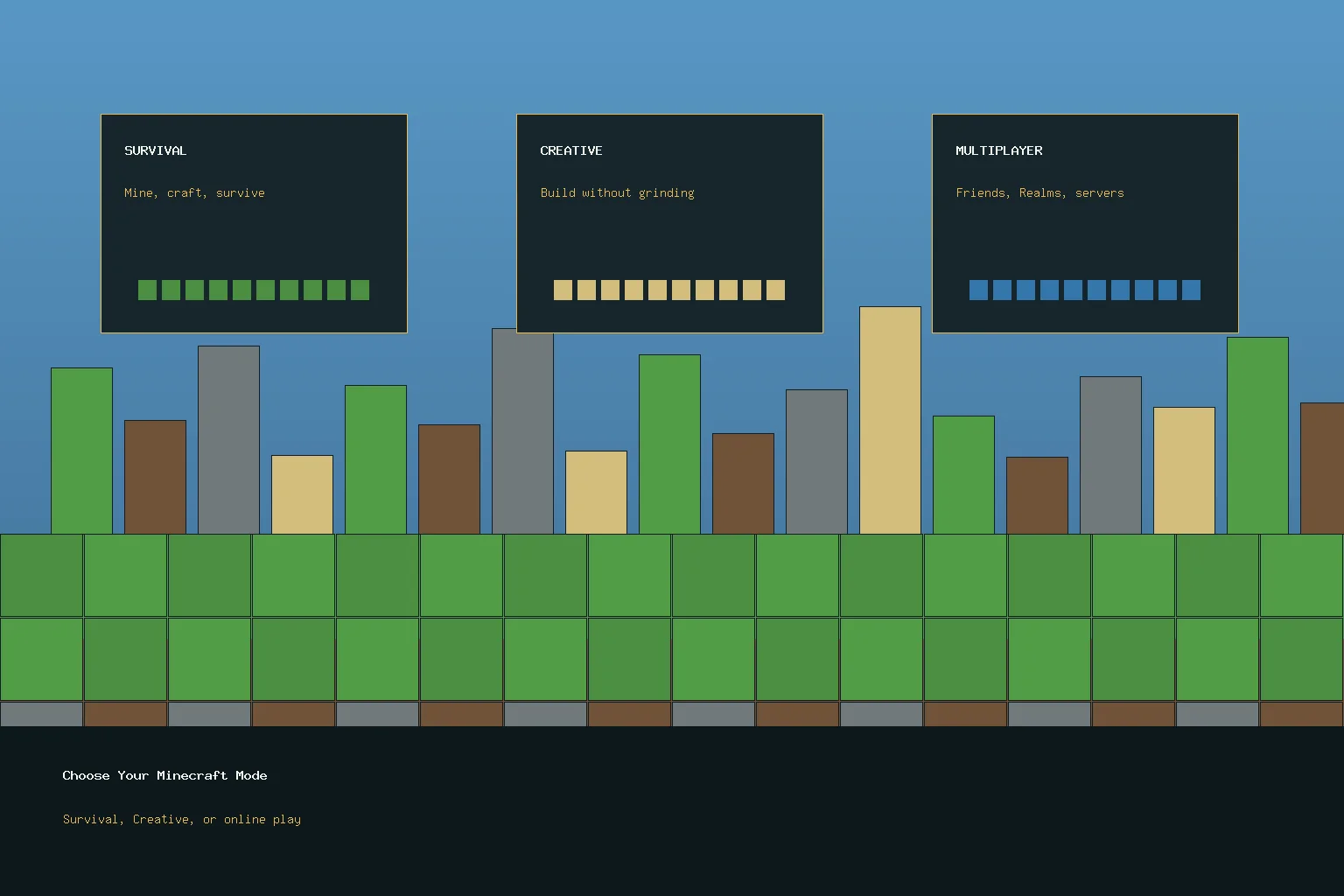
Survival is the better first mode if you want the classic Minecraft tension. You gather materials, craft tools, find food, avoid or fight mobs, and build shelter before the world becomes dangerous. It gives the game a clear reason to mine, farm, explore caves, and improve your base. It is also the mode where mistakes teach you quickly, because poor preparation can cost inventory or progress.
Creative is better if your main goal is building. Official Minecraft material contrasts Survival with Creative by explaining that Creative gives players blocks immediately, while Survival asks them to gather what they use. For children, families, and new builders, Creative can be less frustrating because it removes the pressure of hunger, mobs, and resource limits. For players who need goals, it can feel too open unless you set a project before starting.
A sensible India-first approach is simple: start one Survival world to understand the core loop, then create a separate Creative world to test building ideas. Do not judge the whole game from one mode. Minecraft is broad enough that the wrong first mode can make a good game feel either too stressful or too empty.
Multiplayer, Realms, And Servers
Minecraft multiplayer can happen through friends’ worlds, Realms, or servers. Realms are official personal servers for invited friends, while servers can be public or community-run spaces with their own rules. Minecraft Help material also makes clear that multiplayer depends on edition and version compatibility, so a failed join is not always a network problem. Check that everyone is on the right edition, updated build, and invite path before assuming the app is broken.
Realms are useful when a small friend group wants a persistent world that can be online even when the host is not playing. They are not required for normal single-player or every multiplayer setup, and they should be treated as an optional subscription. For younger players, families should review account settings, chat comfort, server rules, and purchase controls before joining unknown public spaces.
If you are comparing devices, also read the PS Remote Play setup guide for a broader look at controller, network, and screen-size tradeoffs. Minecraft is more flexible than a console-streaming app, but the same practical question remains: is your device comfortable for the session length you actually want?
Official Install Path In India
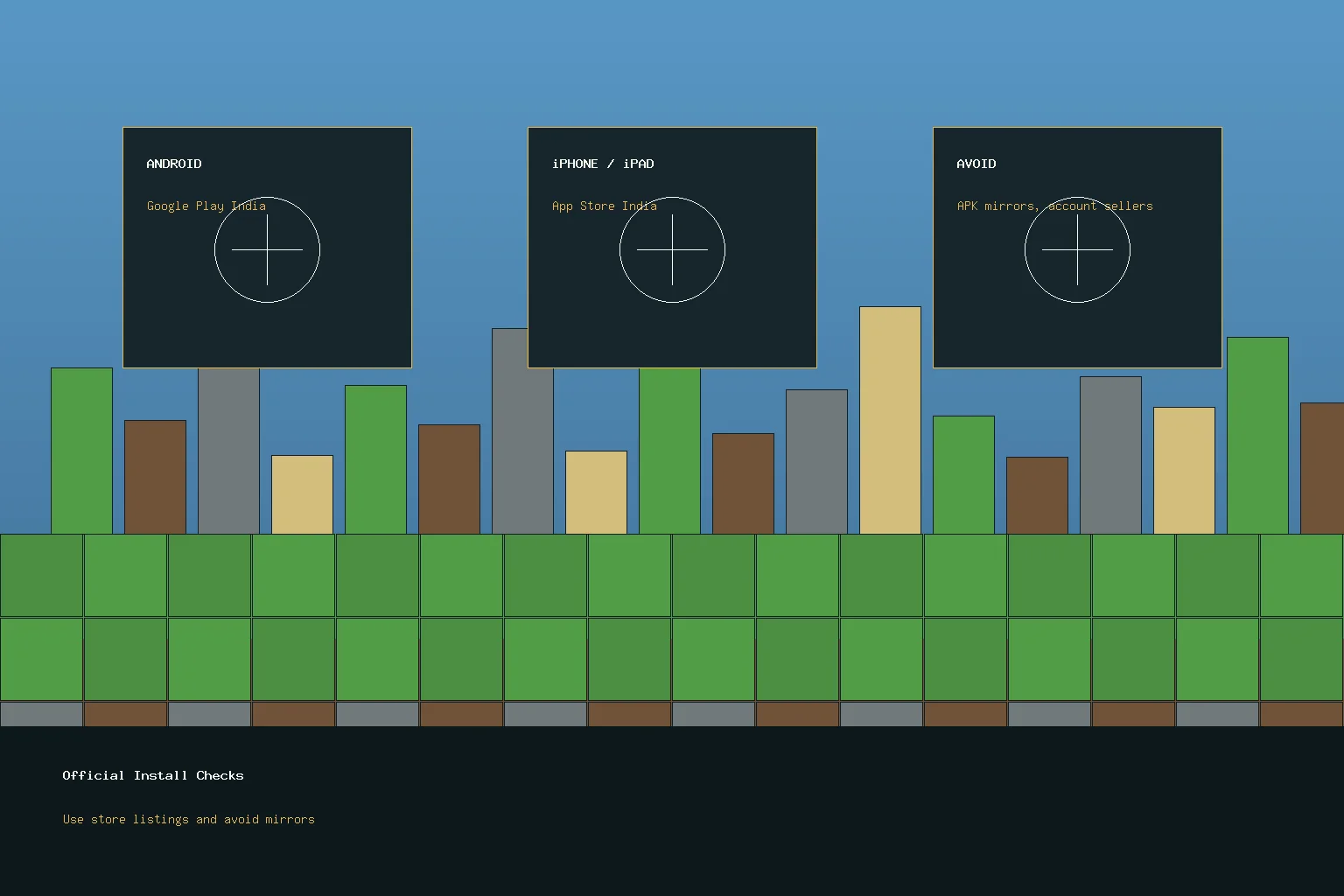
On Android, use the Google Play India listing. During this check, the listing identified Mojang as developer, showed in-app purchases, carried an Everyone 10+ label, and described Bedrock-style solo or friends play. Store labels can change, so open the live listing on your device before buying, installing, or approving purchases for a child.
On iPhone or iPad, use the Apple App Store India listing. During this check, the listing showed Mojang as developer, iPhone and iPad support, in-app purchases, controller support, age metadata, and app size information. Check the current price, storage requirement, and device compatibility in the live App Store before purchasing.
India Player Checks Before You Start
- Pick the right first mode: Survival for goals and danger, Creative for building, multiplayer after you understand the basics.
- Check storage and updates: the app can be large and may need more room for worlds, updates, and optional content.
- Use official accounts: do not buy shared accounts, server ranks from strangers, or “premium” access from unofficial sellers.
- Treat purchases as optional: store pages show in-app purchases. Keep receipts and avoid pressure to buy skins, worlds, or subscriptions immediately.
- Review multiplayer comfort: public servers and friend groups differ. Check chat, rules, and account controls before letting a child join unknown spaces.
Who Should Play, And Who Should Skip
Minecraft is a strong fit if you like open-ended games, building projects, exploration, family co-play, or a game that can stay useful for months because the goals are self-directed. It is also a good fit for players who want a creative game rather than a ranking ladder.
You may want to skip it if you need a fixed campaign, fast tutorial rewards, or a clear competitive ladder from the first hour. You should also wait if you are unsure about the device, store price, storage space, or multiplayer supervision needed for the player.
Check the live Google Play India or Apple App Store India listing before installing. During this guide check, the main Minecraft app was a paid store app with in-app purchases shown on store pages.
Start with Survival if you want goals, resource gathering, and danger. Start with Creative if you mainly want building and experimentation without resource pressure.
No. Realms are one official multiplayer option for invited friends on a persistent server, but Minecraft can also use other friend or server paths depending on edition, version, account setup, and platform.
Important Notice
India Game Radar is an independent information website for adult readers. We do not operate betting or casino services, accept deposits, process withdrawals, manage player accounts, or provide access to real-money gaming. Always check official terms, local laws, and age requirements before using any third-party website.