Key Facts
- Brand
- Ubisoft Connect Review India: PC Launcher, Rewards, and Cross-Progression
- Rating
- 4.0/5
- BC Topic
- PC Gaming Launcher
- Website Action
- Official Site
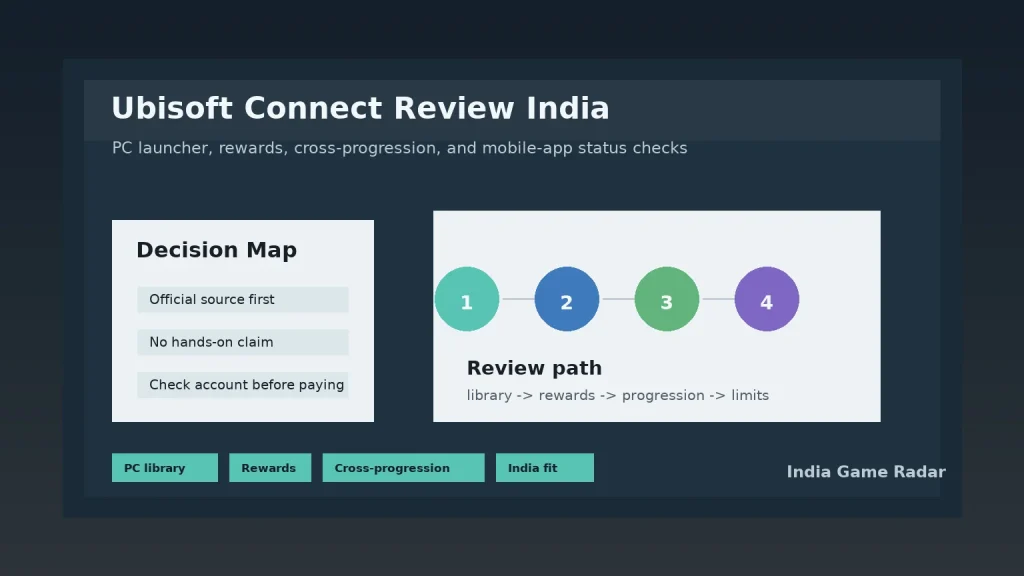
Quick verdict: Ubisoft Connect is worth knowing if you play Ubisoft titles on PC, move between PC and console, or care about rewards tied to your Ubisoft account. For Indian players, it is best treated as a publisher account and launcher layer, not as a replacement for Steam, Epic Games Store, Xbox Game Pass, or PlayStation Plus. This review is based on public official sources checked on 14 June 2026; India Game Radar did not log in, purchase a game, redeem Units, use Ubisoft+, or test downloads.
The strongest reason to use Ubisoft Connect is simple: many Ubisoft games expect a Ubisoft account for progression, rewards, social features, or PC launching. Ubisoft describes Ubisoft Connect as a multi-platform service for Ubisoft games, available through the desktop app and inside supported games on PC and console. That makes it more of a companion ecosystem than a broad game store.
What Ubisoft Connect Does
Ubisoft Connect combines several jobs that Indian players often meet separately: a PC launcher, a Ubisoft account hub, friends and chat features, game rewards, challenges, and platform linking. If you only play one Ubisoft game on a console, you may barely notice it beyond account sign-in. If you play Assassin’s Creed, Rainbow Six, Far Cry, The Crew, or other Ubisoft titles across PC and console, the account layer becomes more important.
Compared with the site’s recent Steam review and Epic Games Store review, Ubisoft Connect is narrower. Steam and Epic work as full storefronts for many publishers. Ubisoft Connect is most useful when the games you already play are Ubisoft games or when a Ubisoft purchase on another store still routes through Ubisoft’s account system.
PC Launcher And Official Install Path
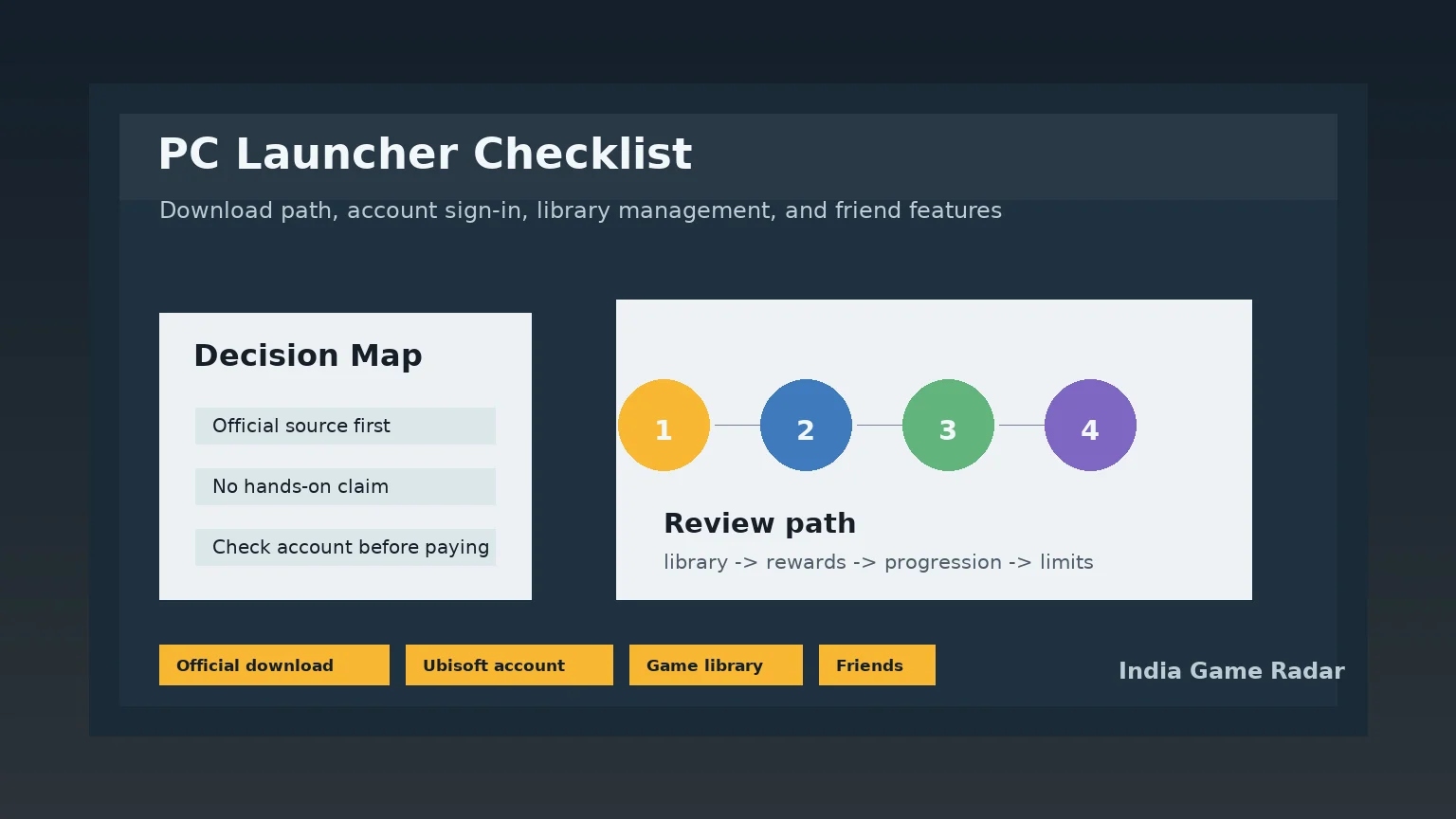
The official desktop download path matters. Search results for popular game launchers often include mirror sites, old installers, and SEO download pages. For Ubisoft Connect, use Ubisoft’s own product or download pages and avoid APK mirrors, modified installers, “cracked launcher” pages, and social media links that claim to bypass account checks. The article does not verify current Windows performance, download speed, patch behavior, or support response time, so treat those as account-specific checks.
Before installing, Indian PC players should confirm three things: the game they want is actually a Ubisoft PC title, the machine meets that game’s system requirements, and any purchase made through another store is linked to the correct Ubisoft account. This is especially important when players share family PCs, use older laptops, or switch between Steam, Epic, and Ubisoft’s launcher.
Rewards, Units, And Discount Limits
Ubisoft Connect’s rewards layer is useful, but it should not be oversold. Ubisoft’s public pages describe challenges, rewards, and Units that can be redeemed in selected ways. Store discount information also has exclusions, including limits around in-game purchases, subscriptions, and products containing virtual currency. In practical terms, treat Units as a loyalty extra, not as a reason to buy a game you would otherwise skip.
If you are in India and comparing game subscriptions, keep Ubisoft Connect separate from Ubisoft+. Ubisoft Connect is the account and services layer; Ubisoft+ is a paid subscription product where availability, platform support, catalogue access, and cancellation details can differ. For broader subscription comparisons, read India Game Radar’s game subscription services guide before paying for more than one service.
Cross-Progression And Platform Linking
Cross-progression is a major selling point, but it is not universal. Ubisoft’s support material says cross-play and cross-progression depend on the game and platform, and platform accounts must be linked correctly. Check the specific Ubisoft game page or support article before assuming that progress, cosmetics, saves, rewards, or paid content will move from PlayStation to Xbox, console to PC, or one PC store to another.
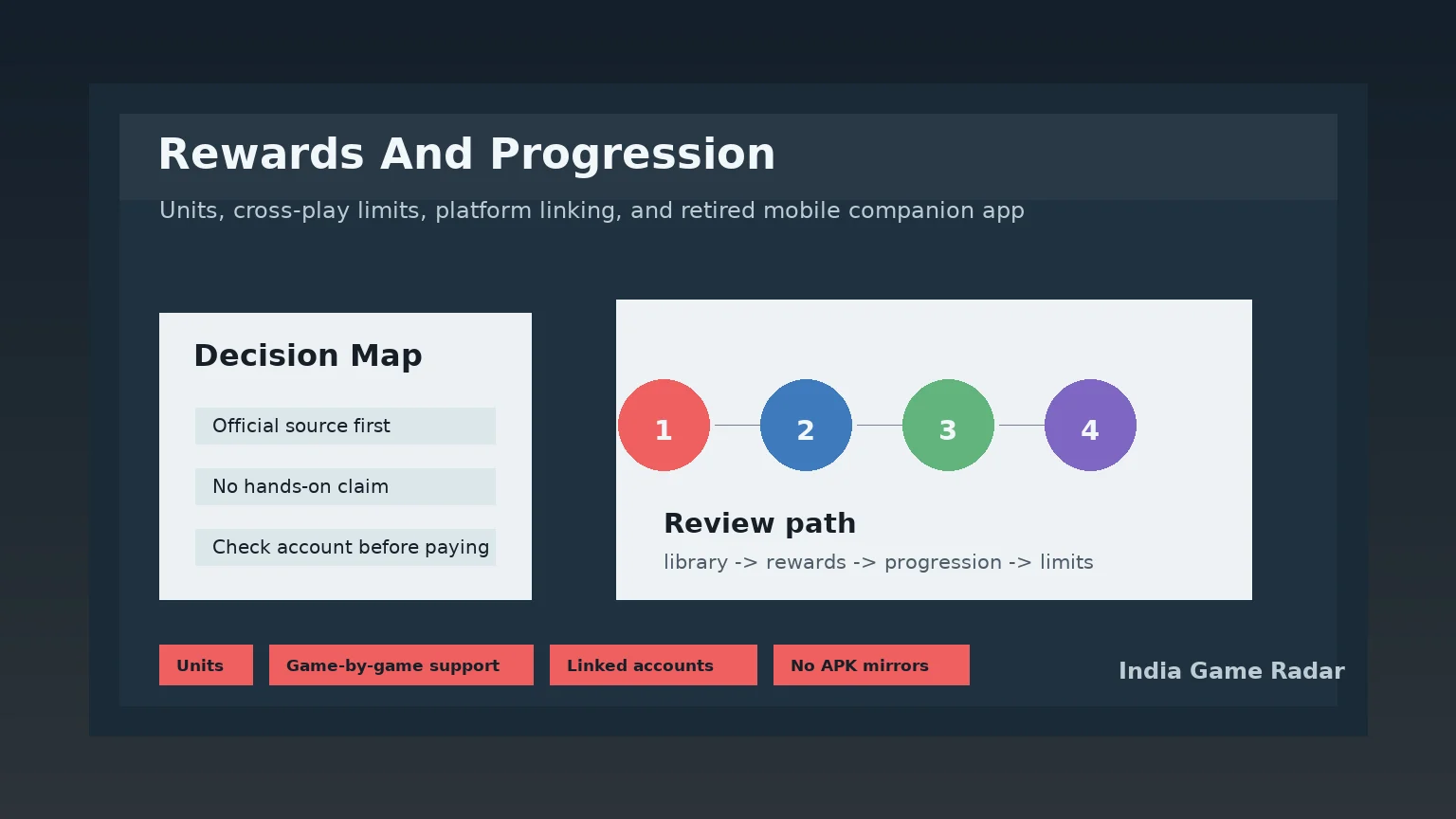
The safe approach is to link accounts slowly and keep receipts or account emails for any important purchase. Do not unlink and relink platform accounts casually if you are trying to rescue old progress. For an official starting point, use Ubisoft’s cross-play and cross-progression support page, then confirm the rules for the individual game you play.
Mobile App Status
One important 2026 check is mobile-app status. Ubisoft’s help page says the Ubisoft Connect Mobile Companion App was decommissioned after 8 May 2025. That means Indian players should not treat old mobile-app download pages, APK mirrors, or recycled “Ubisoft Connect mobile” guides as current install advice. If you need account features, use official Ubisoft account, game, console, or desktop routes instead. The decommission notice is available through Ubisoft’s official mobile companion app support page.
Who Should Use It
- Good fit: PC players with Ubisoft libraries, console players who want account-linked rewards, and players who need official cross-progression checks for specific Ubisoft games.
- Use with caution: Players expecting every game, platform, reward, or purchase to transfer automatically.
- Not the right fit: Players looking for a general Android gaming app, a cash-game platform, a betting app, or an unofficial way to bypass store or account rules.
The final India Game Radar view: Ubisoft Connect is a useful brand ecosystem when you already play Ubisoft games, especially on PC. Its value comes from official account linking, rewards, and game-specific progression support. It is less useful as a standalone discovery app, and it should be used through official channels only.
Ubisoft’s public page describes Ubisoft Connect as a free service that requires a Ubisoft account. Purchases, Ubisoft+ subscriptions, store discounts, and game content are separate checks, so Indian players should confirm account and store details before paying.
Ubisoft’s support page says the Ubisoft Connect Mobile Companion App was decommissioned after 8 May 2025. Do not use old APK mirrors or recycled mobile-app guides as current install advice.
No. Ubisoft support says cross-play and cross-progression depend on the game and platform, and account linking is required. Check the support page for the specific game before expecting saves, rewards, or paid content to transfer.
Important Notice
India Game Radar is an independent information website for adult readers. We do not operate betting or casino services, accept deposits, process withdrawals, manage player accounts, or provide access to real-money gaming. Always check official terms, local laws, and age requirements before using any third-party website.