
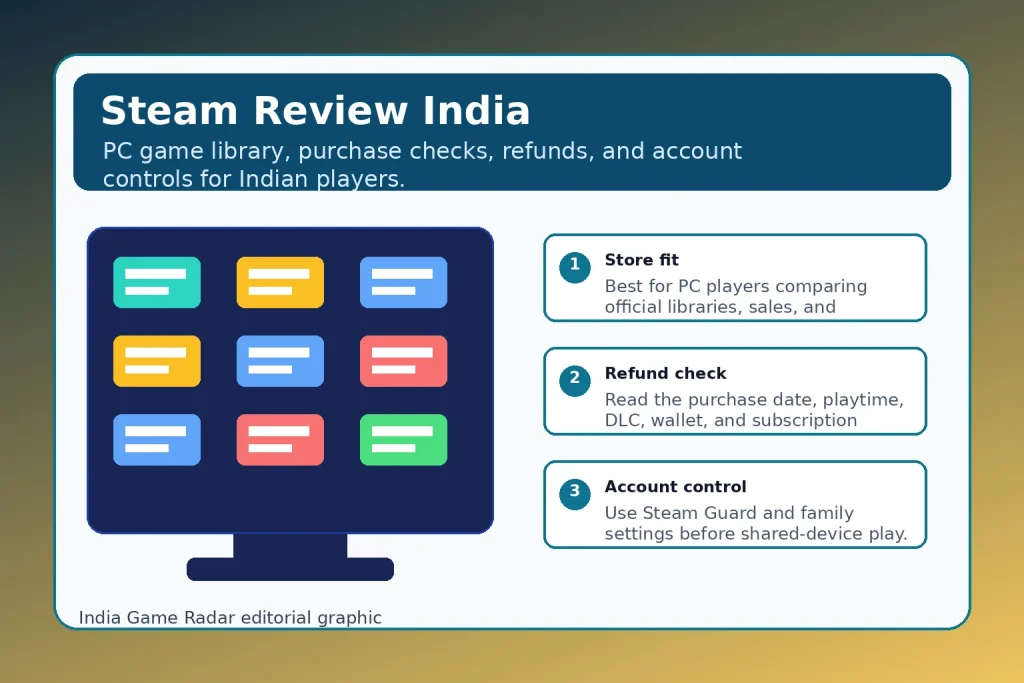
Key Facts
- Brand
- Steam Review India: PC Games, Refunds, Steam Guard, and Family Controls
- Rating
- 4.2/5
- BC Topic
- PC Game Store and Digital Game Platform
- Website Action
- Official Site
Quick verdict: Steam is still one of the strongest PC game stores for Indian players who want a large Windows, Mac, and Linux library, regular discounts, automatic updates, community features, Steam Guard, and a published refund route. It is not perfect for every player: prices vary by publisher, refunds have conditions, and family or account controls need to be set before a shared PC becomes a spending or security problem.
This Steam review is based on public official sources checked on 7 June 2026. India Game Radar did not run a live purchase, refund request, wallet top-up, family-control setup, or account-recovery test for this profile.
What Steam Does
Steam is Valve’s PC gaming platform for buying, downloading, updating, discussing, and playing games. Its official platform page describes a large catalogue across AAA and indie titles, community features, automatic updates, and desktop access. For Indian players, the practical value is not only the size of the library. It is the combination of store pages, regional pricing when available, system requirements, cloud saves on supported games, wishlists, sales, reviews, and a single client that can manage many purchases.
That makes Steam different from a normal mobile game app. You are usually comparing PC specifications, publisher editions, DLC, controller support, refund conditions, and whether the same game may be cheaper or more convenient on another official store. If you are setting up PC gaming for the first time, our Google Play Games on PC India setup guide is a useful companion because it explains device and account checks from another official PC-gaming route.
Review Snapshot
- Best fit: PC gamers who want a broad official game library, frequent sale discovery, community features, updates, and account protection tools.
- Watch before spending: system requirements, edition differences, DLC terms, refund limits, wallet funds, subscriptions, and whether a local payment method supports return to the original route.
- Not ideal for: players who only want mobile free-to-play games, families without time to configure controls, or anyone expecting a guaranteed refund after heavy playtime.
- Editorial rating: 4.2 out of 5 as a public-source PC game store review, reduced because India Game Radar did not independently test purchase, refund, support, or family-control flows.
Store, Library, and India Fit
Steam is strongest when you treat each purchase as a PC game decision rather than a one-tap app install. Open the title’s store page, check supported operating systems, minimum and recommended specifications, controller notes, language support, download size, DLC bundle structure, online account requirements, and recent reviews. For Indian players on laptops, the minimum-spec box matters more than the headline screenshots because integrated graphics, storage space, and heat can decide whether a game is actually comfortable to play.
Pricing can also change by game, edition, sale period, and publisher. Steam may show Indian pricing on many titles, but that should not be treated as a fixed platform-wide promise. Before paying, compare the base game, deluxe edition, DLC, soundtrack, season pass, and bundle pages. If a game has third-party account login or an external launcher, check those requirements before buying, especially on a shared family PC or cyber cafe-style setup.
The Steam Subscriber Agreement is also worth understanding at a high level: Steam describes access to content and services as subscriptions or licenses, not ownership of a physical copy. That is normal for digital game platforms, but it means your account security, payment records, and support access matter. Keep purchase emails, order history, and account recovery details in order, especially when a child or sibling uses the same machine.
Refund and Payment Checks
Steam’s official refund page is clearer than many game stores, but it is still conditional. For games and software, the headline rule is generally a request within two weeks of purchase and less than two hours of playtime. There are separate rules or limits for DLC, in-game purchases, wallet funds, renewable subscriptions, gifts, bundles, VAC bans, and purchases made outside Steam. The policy also notes that some country or payment-method routes may not support refunding to the original payment method.
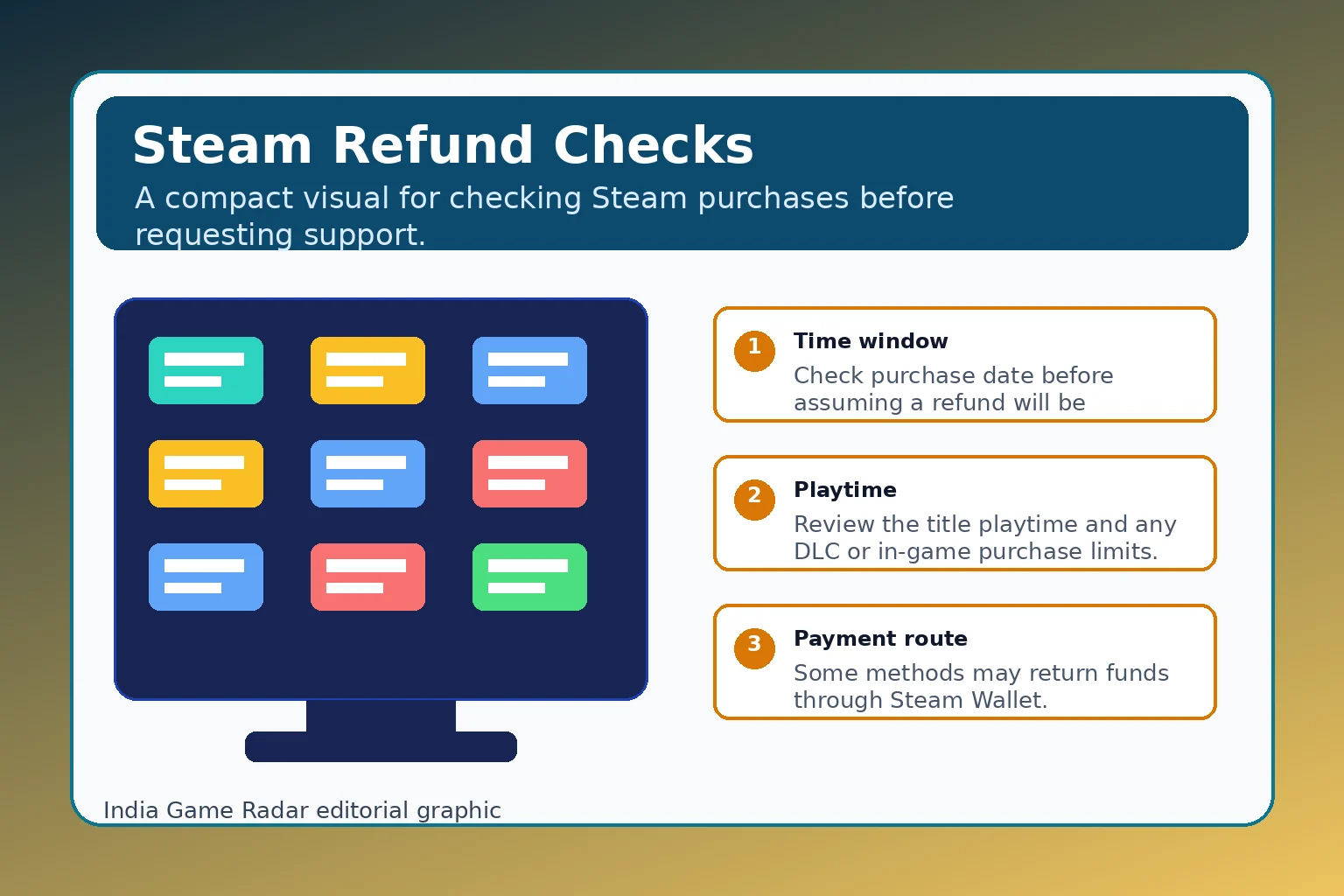
Use the Steam refund policy as a pre-purchase document, not only as a complaint page after something goes wrong. If you are buying for a younger player, note the purchase date, title, edition, DLC, payment route, playtime, and whether any in-game item was consumed or transferred. For broader evidence habits, see our in-app purchase and refund checklist for Indian gaming users.
Steam Guard, Mobile App, and Family Controls
The Steam Mobile page says the app can help users browse games, get account notifications, and use Steam Guard features such as QR sign-in and one-touch sign-in confirmation. For Indian players, this is useful because account theft can become a payment, inventory, friend-list, or support problem quickly. Steam Guard is not a guarantee, but it is a sensible baseline alongside a unique password, secure email, current phone recovery, and caution around fake support links.
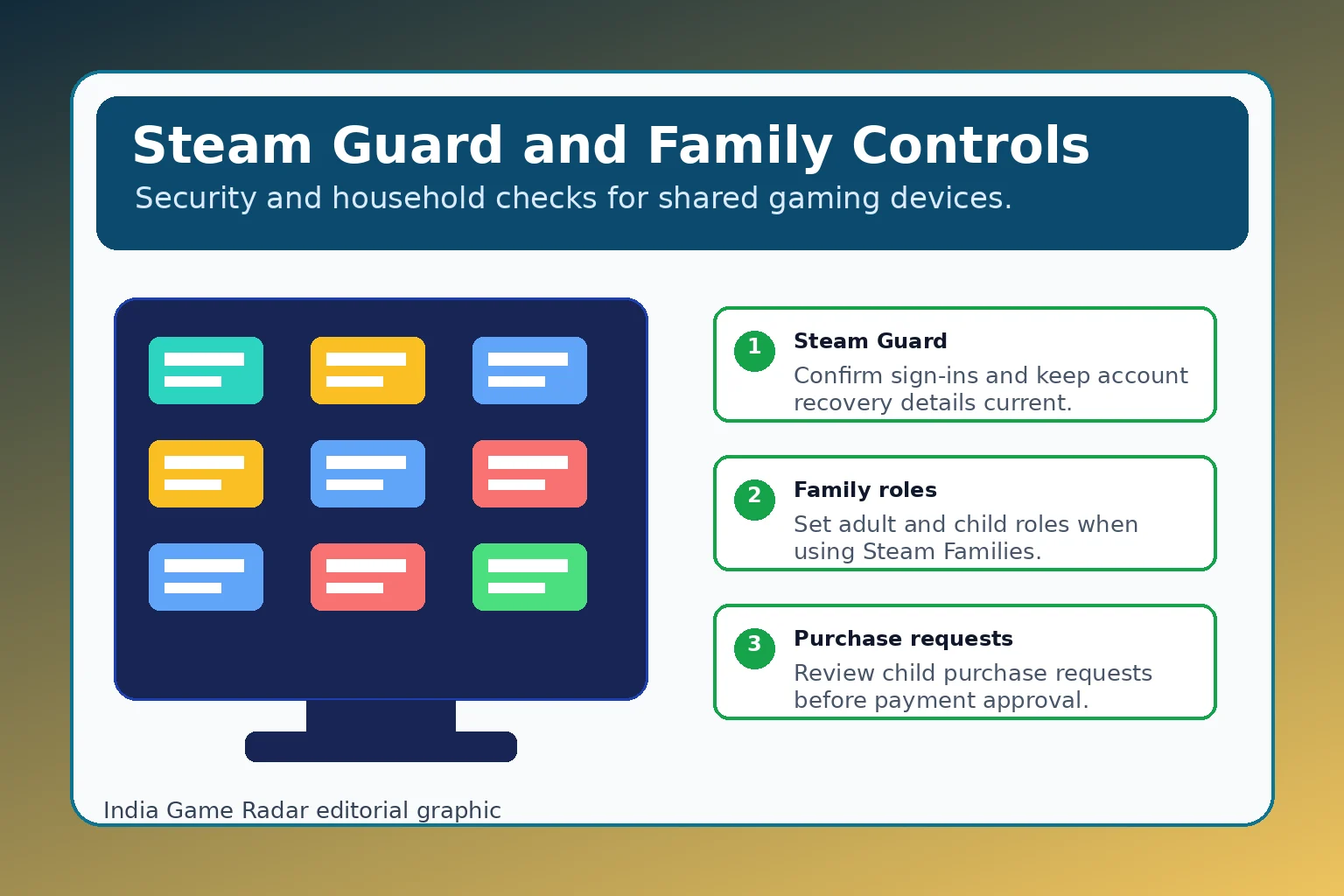
Steam Families adds another layer for household use. Valve’s public update describes adult and child roles, parental controls, playtime limits, playtime reports, and child purchase requests. That is helpful for parents, but it only works if adults configure it before a child has unrestricted store, chat, community, and payment access. For a wider account-protection routine, use our gaming account security checklist alongside the Steam-specific settings.
Who Should Use Steam
- Use Steam if you play PC games regularly, compare sales, want automatic updates, follow community reviews, and are willing to check system requirements before buying.
- Use it carefully if a child, sibling, or roommate shares the same computer. Set family roles, purchase approval habits, and account recovery before storing a payment method.
- Skip or delay it if you only play mobile games, do not have a compatible PC, cannot manage account security, or expect refunds after long play sessions.
Final Take
Steam is a strong recommendation for Indian PC gamers, provided you approach it like a digital library and payment account, not just a game launcher. Its strengths are catalogue depth, store discovery, updates, community features, published refunds, mobile security tools, and family controls. The main cautions are practical: check the exact game page, read refund limits before purchase, keep account recovery current, and do not assume every payment, DLC, subscription, or family scenario will work the same way.
Yes, Steam is useful for Indian PC gamers who want an official PC game store, a large library, sales, updates, community features, and account tools. Always check the current game page for India pricing, system requirements, editions, DLC, and account requirements before buying.
For games and software, Steam’s published policy generally refers to refund requests made within two weeks of purchase and with less than two hours of playtime. DLC, in-game purchases, wallet funds, subscriptions, gifts, bans, abuse, and payment routes can change the outcome, so read the official policy before relying on a refund.
Steam Guard is a useful security layer, especially with mobile confirmations, but it is not a guarantee. Use a unique password, secure the email account, keep recovery details current, avoid fake support links, and configure family controls before a child or shared-device user can spend money.
Important Notice
India Game Radar is an independent information website for adult readers. We do not operate betting or casino services, accept deposits, process withdrawals, manage player accounts, or provide access to real-money gaming. Always check official terms, local laws, and age requirements before using any third-party website.