Key Facts
- Brand
- EA app Review India: PC Games, Downloads, Library, and EA Play Fit
- Rating
- Not rated
- BC Topic
- PC Gaming
- Website Action
- Official Site
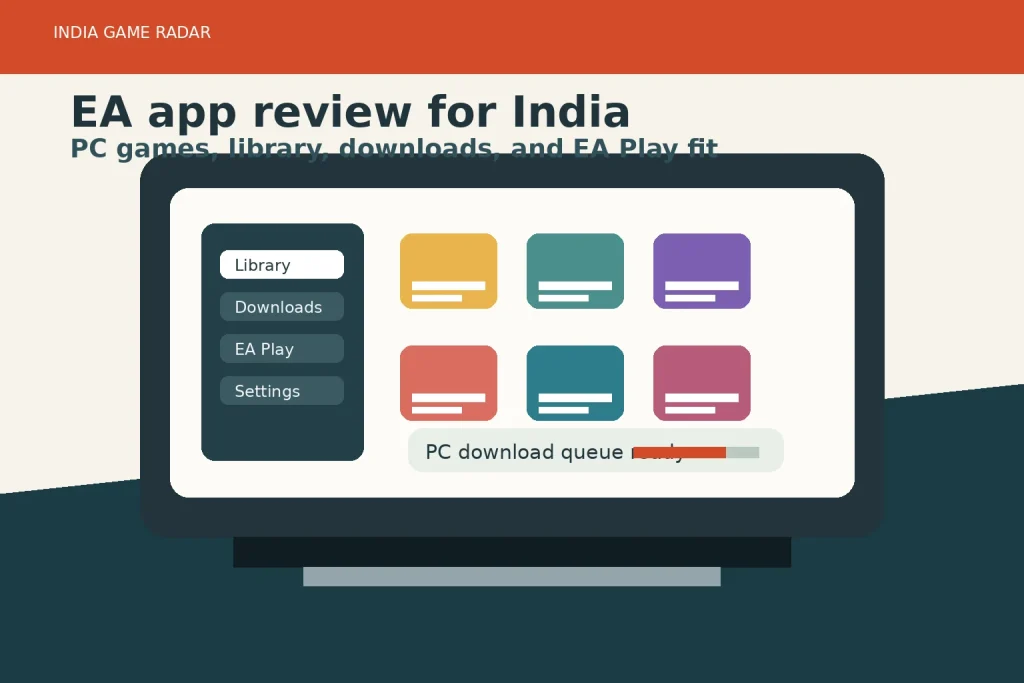
Source check date: 17 June 2026. This EA app review is written for Indian PC players who want a practical answer: is EA’s desktop app worth installing for game downloads, library access, EA Play benefits, and account management? India Game Radar has not run a hands-on benchmark, checkout test, or support-ticket test for this profile. The review is based on current official EA product, help, EA Play, terms, and privacy sources.
Quick Verdict
The EA app is most useful if your PC gaming library already includes EA titles such as EA SPORTS FC, The Sims, Battlefield, Apex Legends, or other games from EA’s catalogue. It gives you one official place to install the app, sign in with an EA Account, browse or download PC games, manage your library, and check EA Play membership options. It is less useful as a general game store if most of your library sits on Steam, Epic Games Store, Ubisoft Connect, or console subscriptions.
For Indian players, the strongest reason to install it is not a vague “safety” promise. The real value is convenience: official downloads, a single EA library, access to subscription benefits where available to your account and platform, and clearer support paths if an EA game will not install or launch. If you mostly want Android games on a laptop, a BlueStacks-style app player is the closer comparison. If you are comparing PC launchers, also see our Steam review and Ubisoft Connect review.
What The EA App Actually Does
EA describes the EA app as its platform for PC gaming, with the official download starting from the EA app page. EA Help says the app is where players find, install, and play EA games on a computer. That makes it closer to a publisher launcher than a broad community platform: it is built around EA purchases, EA Play access, game downloads, updates, profile settings, and support routes.
The app also matters because Origin users have been moved into the newer EA app flow. EA Help says games and other content from Origin transfer into the EA app. That is useful for returning PC players who bought EA titles years ago and now need to know where their library lives. It does not mean every third-party purchase, subscription, refund, or entitlement will behave the same way across every platform. EA Play benefits, in particular, can depend on where the user joined.
Downloads, Library, And Device Fit
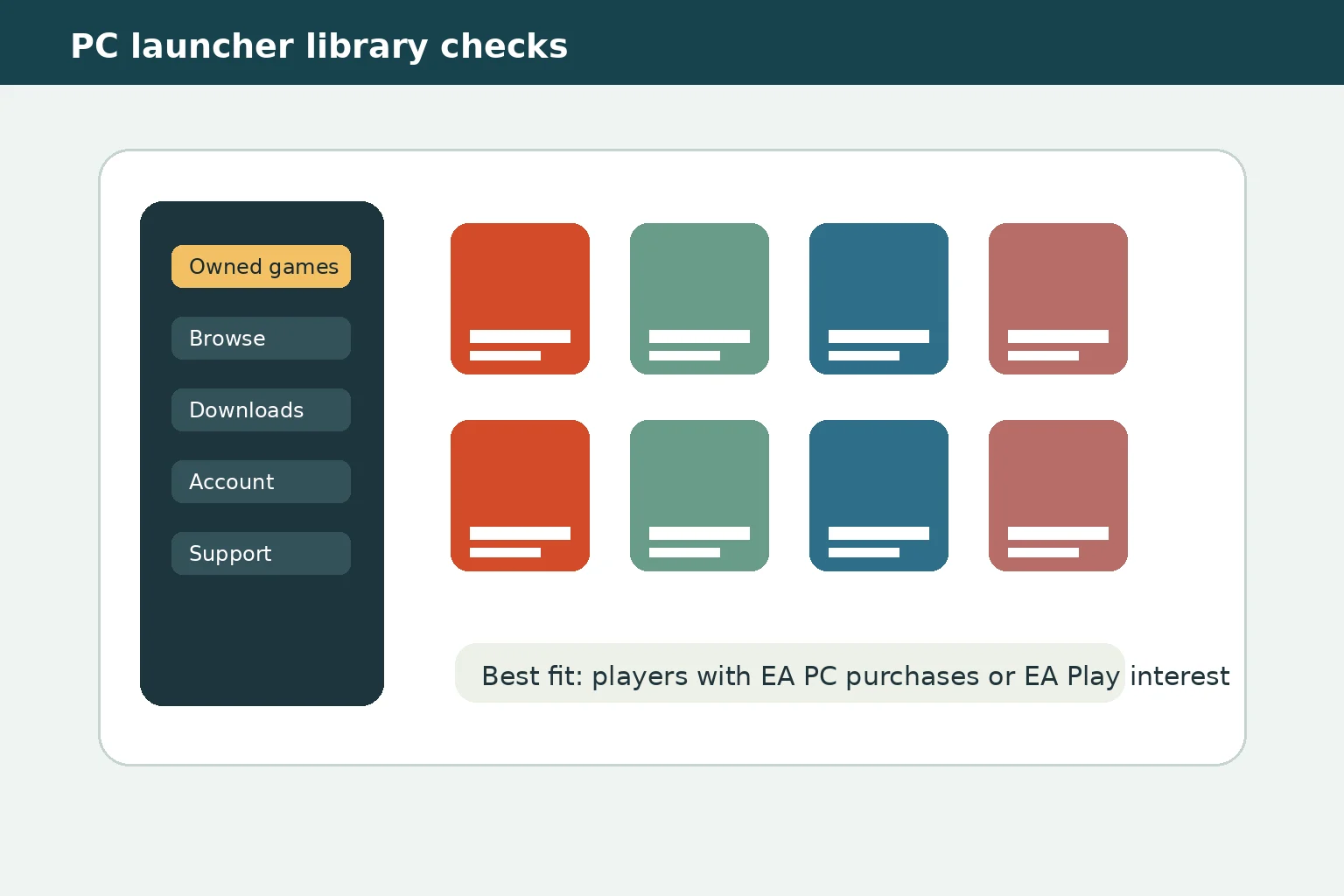
The app’s most important player-facing job is straightforward: install the official client, sign in, browse or buy supported games, download them, and manage the library. EA Help’s download and install guide points users back to the official EA app page, then walks through installing and updating the app. At this source check, EA Help listed Windows 10 and 11 support and macOS 10.15.8 or later support for the app, while individual games still have their own requirements.
That last point matters in India because older laptops are common among student and budget PC players. Installing the EA app does not guarantee that a demanding game will run smoothly. Treat the app as the doorway, then check each game’s storage, RAM, GPU, controller, anti-cheat, and online-account requirements separately. Players coming from mobile-first gaming may also want our Google Play Games on PC setup guide before deciding whether they need EA app, an emulator, or a mobile-to-PC sync route.
The EA PC games library is broad enough for sports, shooters, racing, simulation, and free-to-play interests, but it is still an EA catalogue. If your main games are outside EA, installing another launcher may add update prompts and account overhead without much daily value. If you already play EA FC, Apex Legends, The Sims, Battlefield, F1, or older EA PC titles, the library and update flow are easier to justify.
EA Play, Purchases, And Subscription Boundaries
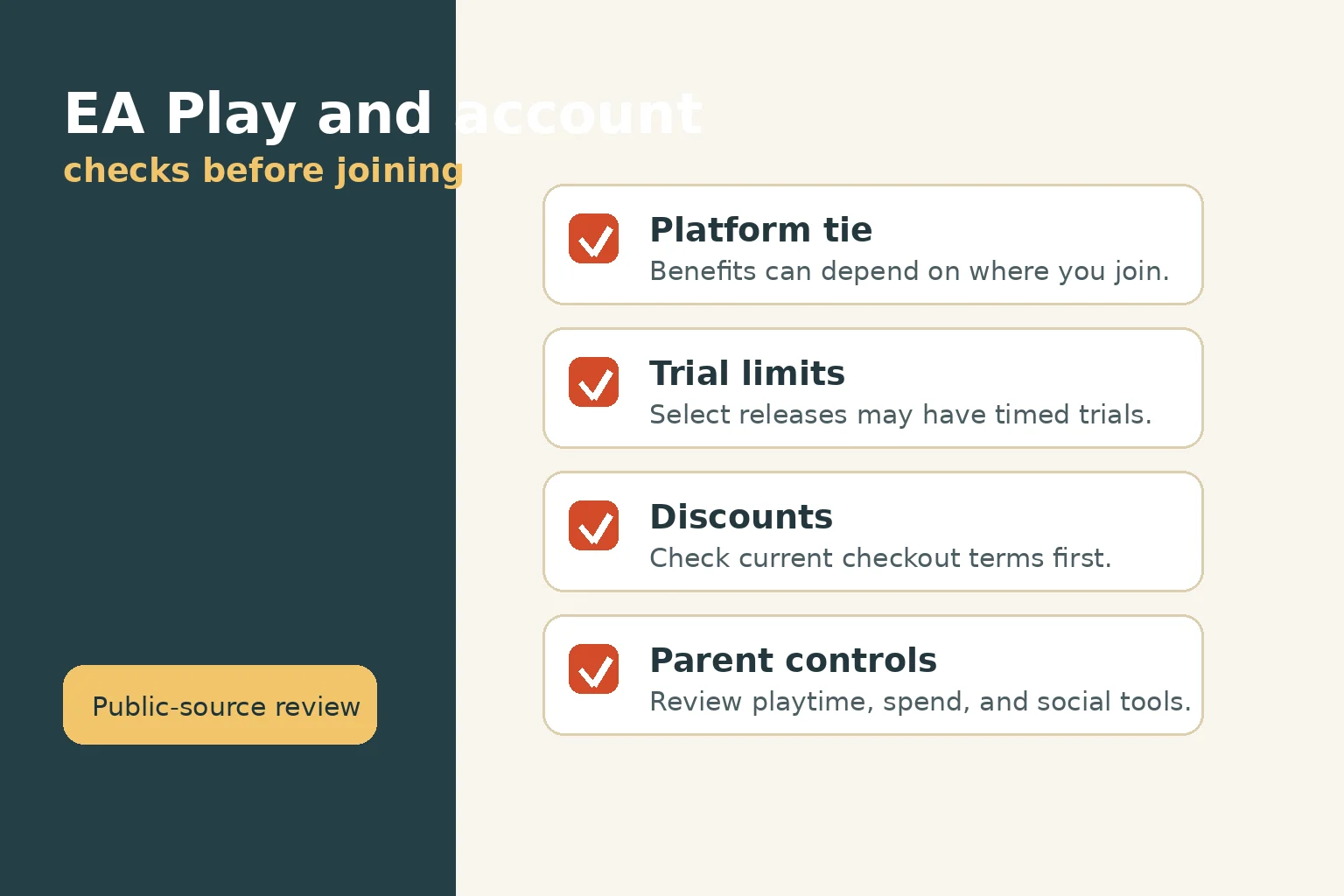
EA Play is the part Indian users should check most carefully before paying. EA’s EA Play pages describe a membership with access to a collection of EA titles, trials for select new releases, member rewards, and a discount on digital EA content. The EA Play FAQ also says membership benefits are tied to the platform where the user joins. In plain terms, do not assume a membership bought through one platform will automatically unlock every benefit in the EA app, Steam, PlayStation, Xbox, or Epic Games Store.
EA’s public EA Play page included India in its country selector at this source check, but India Game Radar is not treating that as a verified checkout test. Prices, available payment methods, taxes, renewals, trial access, and cancellation routes can vary by account, platform, region, and checkout page. Before subscribing, Indian players should open the current EA checkout from their own account, check the billing currency, renewal language, platform lock-in, and cancellation path, then keep receipts for any purchase.
Trust, Support, And Parental Controls
The main trust signal is that the app, help pages, EA Play information, terms, and privacy policy are all operated by EA. Use the official route rather than third-party installer sites. EA Help’s install guide also covers troubleshooting areas such as operating-system requirements, administrator permissions, firewall or antivirus allow-list checks, and app updates. If a game will not install or launch, start with EA Help’s official EA app guide before changing device settings or downloading unofficial fixes.
For families, the EA app also has a more specific use case than ordinary launcher reviews: EA publishes parental-control material for its PC gaming platforms, including playtime, spending, and social-interaction controls. That does not replace device-level Windows or macOS controls, and it does not guarantee every game or account issue will be resolved immediately. It does give parents a reasonable checklist before allowing a younger player to install a new EA title, join online play, or make purchases.
Who Should Use It?
- Use it if you own EA PC games, want the official app for downloads and updates, plan to evaluate EA Play, or need EA Help support for an EA title.
- Consider it if you play only one EA game but need reliable updates, account access, or platform-specific membership checks.
- Skip it for now if your current library is mostly Steam, Epic, Ubisoft, Xbox, PlayStation, or Android games and you do not need any EA PC title.
- Be cautious with subscription assumptions. Check current platform terms, renewal price, benefits, cancellation route, and refund language before paying.
Bottom Line
EA app is a practical brand profile for Indian PC players with EA games, not a must-install app for everyone. Its value is strongest when you already need EA’s official library, download, account, or EA Play route. The review score below reflects that focused usefulness: solid for EA PC users, limited for players whose main library is elsewhere, and dependent on checking current subscription and platform terms before any paid decision.
EA’s public EA Play page included India in its country selector at the 17 June 2026 source check, and the EA app is distributed through EA’s official website. Availability, checkout options, and account-specific access should still be checked from the user’s own EA account and platform.
Only if you play EA games or need EA account, download, update, or EA Play features tied to those games. If your library has no EA titles, the app may add another launcher without much daily benefit.
No. EA’s FAQ says membership benefits are tied to the platform where the user joins. Indian players should check the current platform, currency, renewal, trial, and cancellation details before subscribing.
Important Notice
India Game Radar is an independent information website for adult readers. We do not operate betting or casino services, accept deposits, process withdrawals, manage player accounts, or provide access to real-money gaming. Always check official terms, local laws, and age requirements before using any third-party website.