Key Facts
- Brand
- PlayStation App Review India: PS5 Captures, Parties, and Remote Downloads
- Rating
- 4.0/5
- BC Topic
- Console Companion App
- Website Action
- Official Site
Quick verdict: PlayStation App is worth installing for Indian PS5 and PS4 owners who want a phone companion for messages, parties, captures, PS Store browsing, and remote downloads. It is not a cloud-gaming app, a PC app, or a replacement for PlayStation Plus. Treat it as the official mobile control panel around your PlayStation account and console.
This PlayStation App review is based on official public sources checked on 13 June 2026, not hands-on account testing. India Game Radar is an independent information site and does not sell PlayStation products, process PS Store payments, or manage PlayStation Network accounts.
What PlayStation App Does
PlayStation App is Sony’s official companion app for Android and iOS. The official PlayStation App page describes it as a way to stay connected to friends, follow gaming news, and download games to a PS4 or PS5 console from a phone. For an Indian console player, the practical value is not one single feature. It is the way several small console tasks move from the TV screen to the phone.
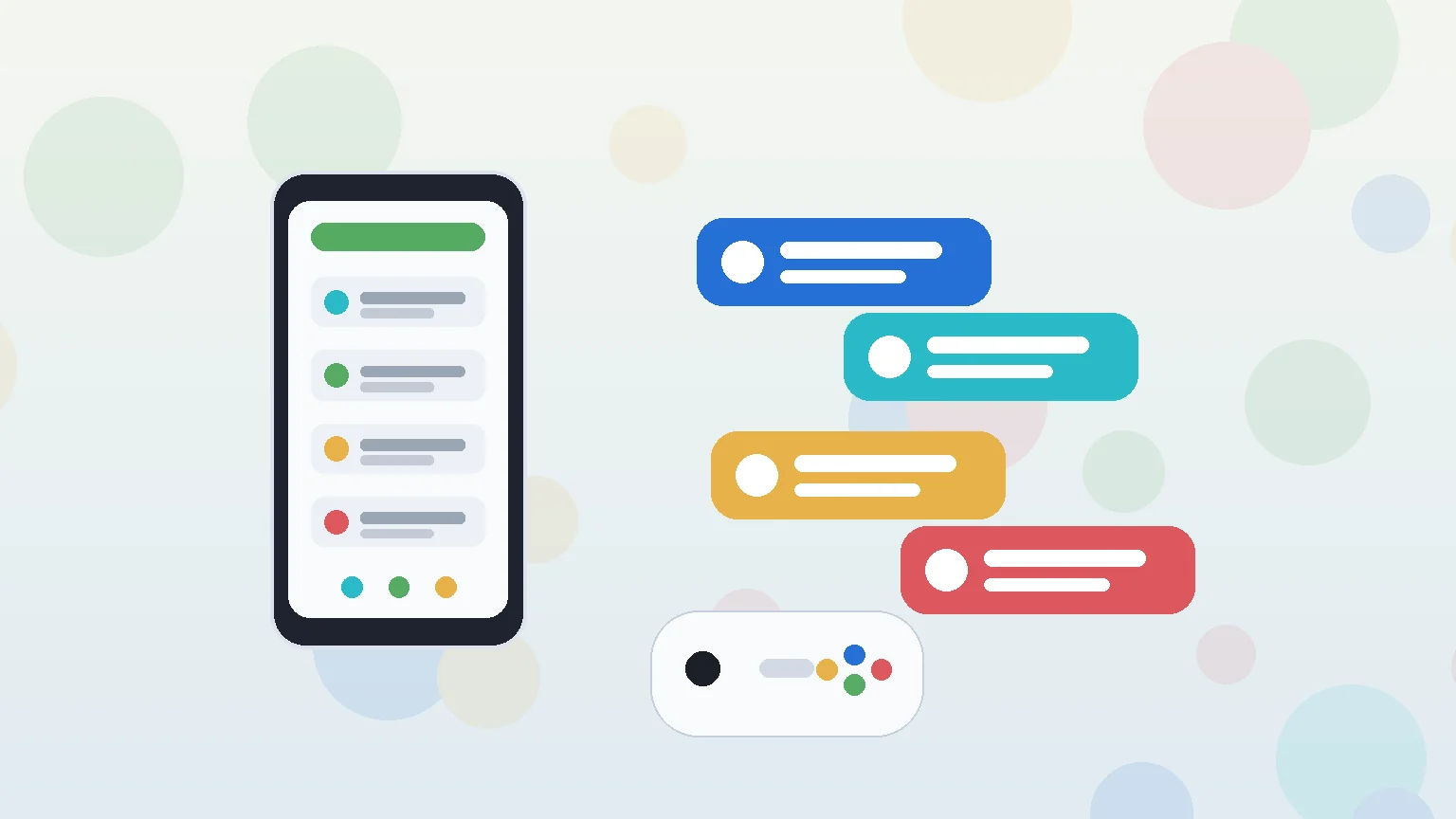
The useful everyday jobs are simple: check which friends are online, compare trophies, send text messages, join parties, voice chat, view PS5 game captures, browse PS Store, start downloads, and manage some PS5 storage tasks. If you already use your console mainly for offline single-player games and rarely message friends, the app is optional. If you buy digital games, coordinate multiplayer sessions, or share clips, it becomes more useful.
India Availability and Install Path
The app has India-facing official pages and store listings. On Android, the Google Play listing names PlayStation Mobile Inc. as the developer and lists PlayStation App for Indian users through Google Play. The Apple India App Store listing also names PlayStation Mobile Inc. as the developer and describes the app as free for iPhone and iPad.
The safest install route is boring but important: use Google Play, the Apple App Store, or the download links on the official PlayStation page. Avoid APK mirrors, modified versions, or “PS App for PC” downloads. PlayStation’s own FAQ says there is no PlayStation App for PC; the app is for smartphones and tablets. If you want to stream console games to another screen, that is a separate product. Start with our PS Remote Play India setup guide before assuming PlayStation App itself will stream gameplay.
Core Features That Matter
The best reason to install PlayStation App is communication. Official PlayStation support says the app can send messages, voice recordings, stickers, and images, and can start voice chat from the parties menu. For players who coordinate EA FC, Call of Duty, racing, sports, or co-op sessions from a phone, this is smoother than typing with a controller on the console screen.
The social layer also includes friend status, player profiles, trophy collections, and Share Screen viewing for friends’ PS5 gameplay. These are companion features, not game access features. They help you decide who is online, what they are playing, and whether to join a session. They do not give you PlayStation Plus benefits by themselves. For plan and catalog decisions, compare our PlayStation Plus review for India.
For family use, keep expectations clear. PlayStation App can help with messages and account access, but PlayStation’s support page points parents toward the separate PlayStation Family app for parental controls. If the phone will be shared with a child, review sign-in, notifications, purchases, and family settings before leaving the app logged in.
Store, Downloads, and Storage Checks
PlayStation App is also useful when you buy or queue games away from the console. The PlayStation App support page explains that users can make purchases and start remote downloads to a paired console. For remote downloads, the console needs the right rest-mode and internet settings. That is a practical point for Indian players with limited overnight bandwidth: queue a large game only when the console is connected, powered correctly, and on a network you trust.
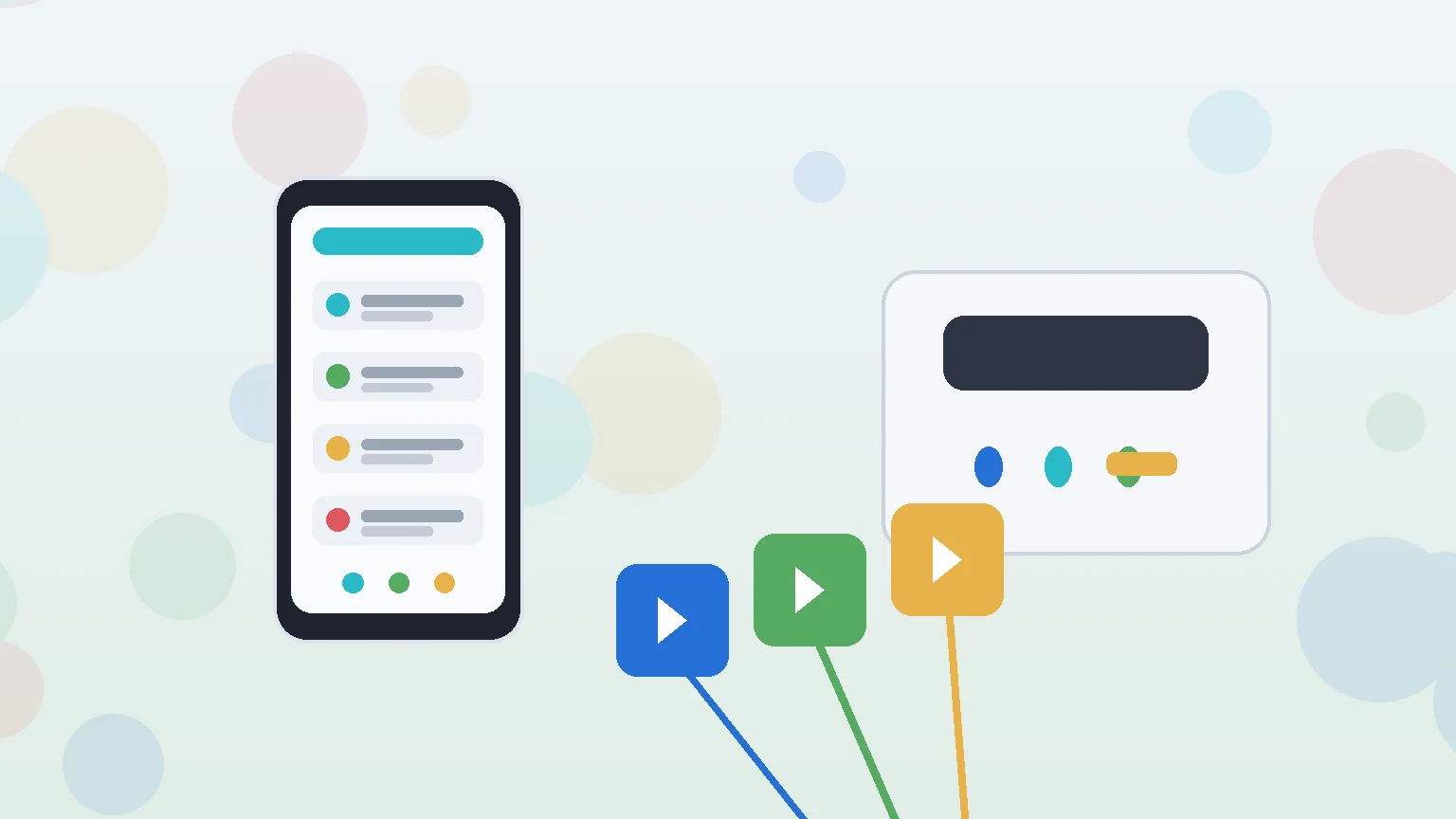
The app can also help manage PS5 storage from a phone. That matters because PS5 games, captures, and updates can fill storage quickly. Before purchasing a large digital title from the phone, check free space, add-on size, and whether the console is in rest mode. For players pairing controllers across phone, console, and other devices, our mobile game controller setup guide is a useful related check.
Payment claims need caution. Public app and support pages show PS Store purchasing and in-app purchase context, but final rupee price, tax, offer, wallet, refund, and card behavior can change inside the user’s PlayStation account. Confirm checkout details before paying. Do not rely on screenshots, social posts, or third-party discount pages for final purchase decisions.
PS5 Captures and Sharing
Game Captures are one of the more practical PS5-specific reasons to keep the app installed. PlayStation support says supported PS5 screenshots and video clips can be uploaded to PlayStation App in regions where the feature is available, then viewed from Library > Captures and shared from the phone. The same support material notes limits, including automatic upload support for non-4K gameplay videos under three minutes.
This is useful for players who want to share a goal, race finish, trophy moment, or short multiplayer clip without moving files manually. It is less useful if you mainly record long clips, need 4K exports, or want editing controls beyond quick sharing. For those cases, treat the app as a transfer convenience, not a capture workflow replacement.
Who Should Use It
Use PlayStation App if you own a PS5 or PS4, use PSN friends or parties, buy digital games, want remote download control, or regularly share PS5 captures. It is also useful for players who want store browsing on a phone before deciding what to buy on the console.
Skip it, or install it only when needed, if you do not own a PlayStation console, mostly play disc games offline, do not use PSN social features, or are looking for a PC app. If the goal is streaming gameplay to a phone, tablet, laptop, or desktop, use PS Remote Play instead. If the goal is game catalog access, monthly games, or online multiplayer entitlements, review PlayStation Plus separately.
For most Indian console players, the sensible verdict is positive but specific: PlayStation App is a good official companion app, not a standalone gaming platform. Install it from official stores, pair only your own console and account, and verify purchases inside PS Store before spending.
Yes. PlayStation has an India product page for PlayStation App, and the app is listed through Google Play India and Apple App Store India. Install it only from official store links or the official PlayStation page.
No. PlayStation App is the companion app for messages, parties, store browsing, downloads, captures, and account-connected console tasks. PS Remote Play is the separate app used for streaming PS5 or PS4 games to supported devices.
PlayStation support says users can make PS Store purchases and start remote downloads from PlayStation App after pairing a console. Before paying, confirm the final rupee price, taxes, wallet or card route, refund terms, and console storage inside your own PlayStation account.
Important Notice
India Game Radar is an independent information website for adult readers. We do not operate betting or casino services, accept deposits, process withdrawals, manage player accounts, or provide access to real-money gaming. Always check official terms, local laws, and age requirements before using any third-party website.